Eléments de commande – Siros L

-
Stelos 800 L
Stelos: Consignes de sécurité – à lire avant utilisation | Environnement Stelos: Mise à jour du micrologiciel Stelos: Interface utilisateur | Affichages | Fonctions | Manutention Stelos: Données techniques Stelos: Télécommande et déclenchement du flash Stelos: Alimentation électrique | batterie Stelos: Entretien | Réparation | Garantie Stelos: Accessoires et pièces de rechange Stelos: Messages d'erreur
-
Satos
Satos: Consignes de sécurité – à lire avant utilisation | Environnement Satos: Firmware Update Satos: Interface utilisateur | Affichages | Fonctions | Manutention Satos: Données techniques Satos: Télécommande et déclenchement du flash Satos: Alimentation électrique | batterie Satos: Entretien | Réparation | Consommables | Pièces de rechange | Garantie Satos: Accessoires Satos: Station de charge pour 4 batteries enfichables
-
Pulso L
Pulso L: Consignes de sécurité – à lire avant utilisation | Environnement Pulso L: Firmware Update Pulso L Pulso L: Interface utilisateur | Affichages | Fonctions | Manutention Pulso L: Données techniques Pulso L: Entretien | Réparation | Consommables | Pièces de rechange | Garantie Pulso L: Accessoires
-
Siros S
Siros S: Consignes de sécurité – à lire avant utilisation | Environnement Siros S: Firmware update Siros S Siros S: Interface utilisateur | Affichages | Fonctions | Manutention Siros S: Données techniques Siros S: Télécommande et déclenchement du flash Siros S: Alimentation électrique Siros S: Entretien | Réparation | Consommables | Pièces de rechange | Garantie Siros S: Accessoires
-
Siros L
Siros L: Consignes de sécurité – à lire avant utilisation | Environnement Siros L: Firmware Update Siros L: Interface utilisateur | Affichages | Fonctions | Manutention Siros L: Données techniques Siros L: Télécommande et déclenchement du flash Siros L: Alimentation électrique | batterie Siros L: Entretien | Réparation | Consommables | Pièces de rechange Siros L: Accessoires
-
Scoro E + S
Scoro E & S: Consignes de sécurité - à lire avant utilisation | Environnement Scoro E & S: Interface utilisateur | Affichages | Fonctions | Manutention Scoro E & S: Données techniques Scoro E & S: Télécommande et déclenchement du flash Scoro E & S: Entretien | Réparation | Consommables | Pièces de rechange | Garantie
- Move 1200 L
- RSF 2.2
- RFS 2.1
-
RFS 3
RFS 3: Consignes de sécurité – à lire avant utilisation | Environnement RFS 3: Contenu de la livraison et éléments de commande RFS 3: Interface utilisateur | Affichages | Fonctions | Manutention RFS 3: Mise à jour du firmware RFS 3: Compatibilité RFS 3: Données techniques RFS 3: Entretien | Réparation | Consommables | Pièces de rechange | Garantie RFS 3: Résolution des problèmes
- Pulso G, Unilite et Picolite
- LED F160
- Scope D50
- Compatibilité ( Torche <-> Modeleur de lumière | Torche <-> Générateur)
- Localisez votre distributeur ou revendeur
-
 Stelos 800 L
-
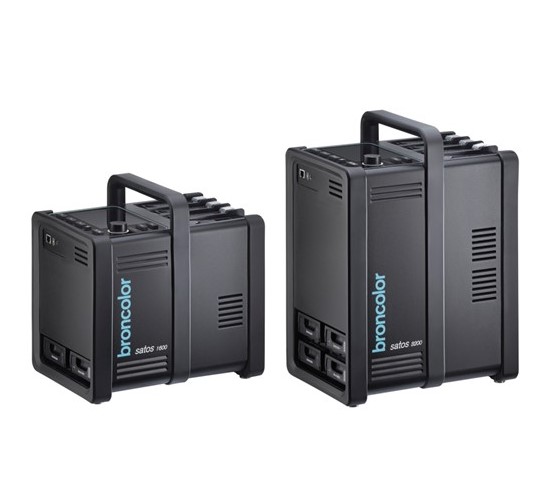 Satos
Satos
-
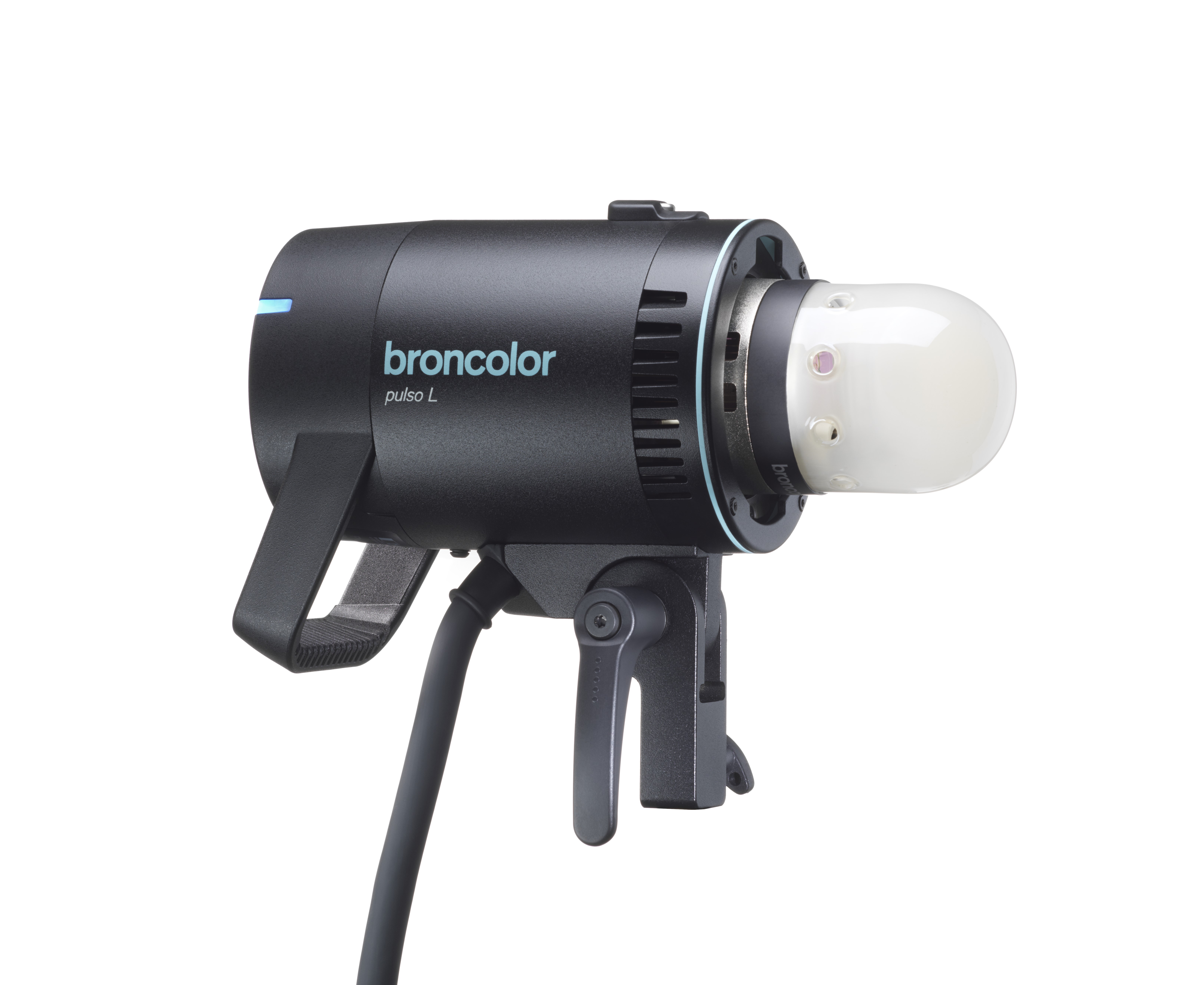 Pulso L
-
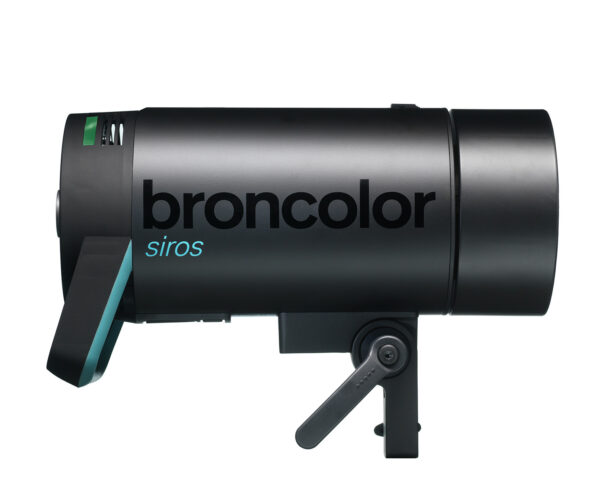 Siros S
-
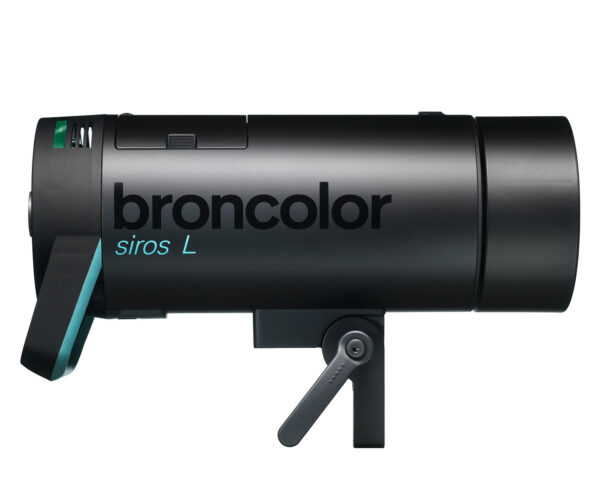 Siros L
-
 Scoro E + S
-
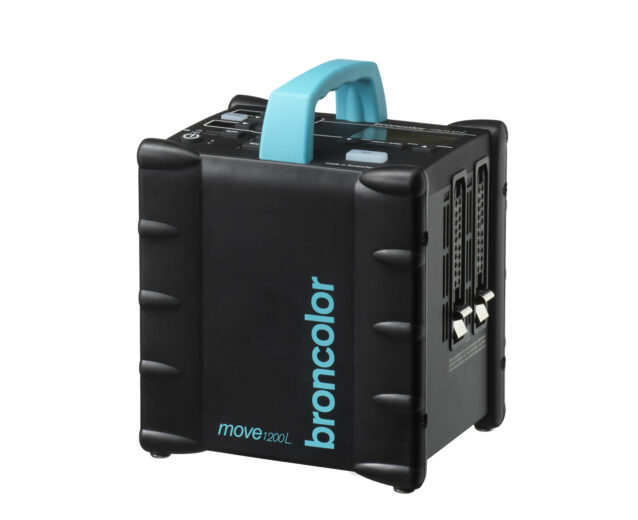 Move 1200 L
-
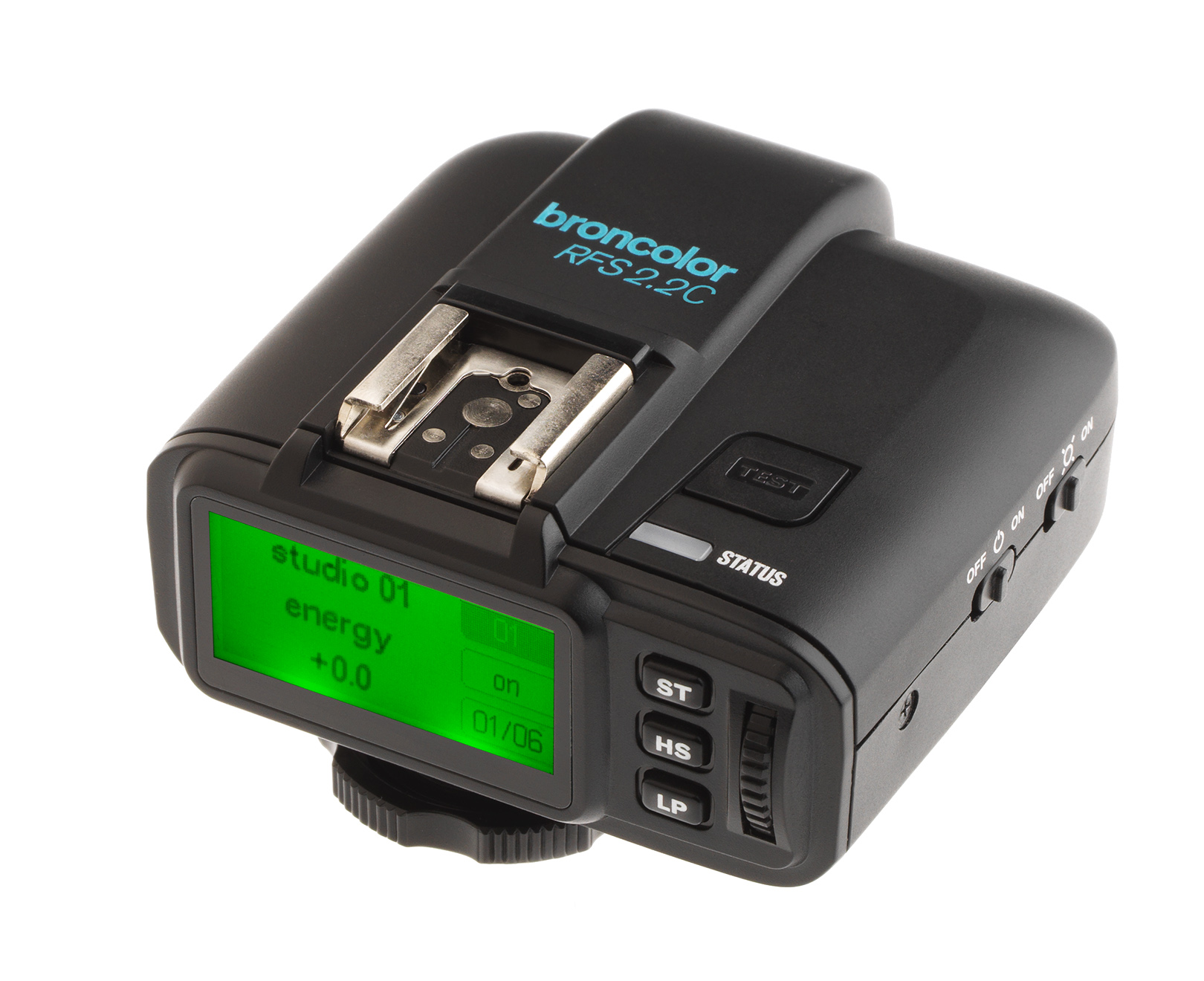 RSF 2.2
-
 RFS 2.1
-
 RFS 3
RFS 3
-
 Pulso G, Unilite et Picolite
-
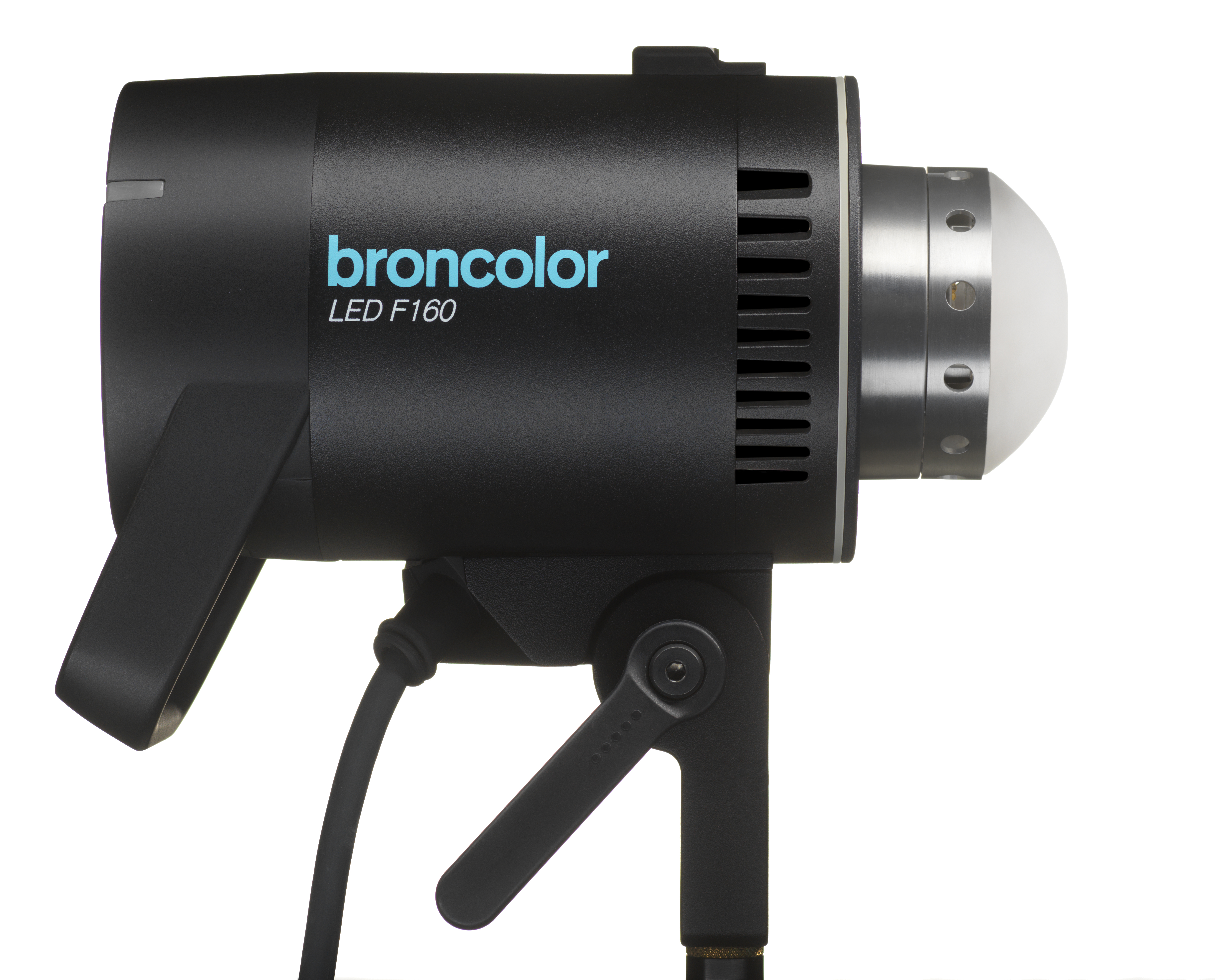 LED F160
-
 Scope D50
-
 Compatibilité ( Torche <-> Modeleur de lumière | Torche <-> Générateur)
-
 Localisez votre distributeur ou revendeur
| Élément | Fonction | |
| ◯ | Contrôleur rotatif |
Allume et éteint l'appareil (mode veille). Appuyez sur le bouton rotatif pendant 3 s pour mettre l'appareil en veille. Dans le menu : navigation dans le menu et confirmation des éléments de menu. En fonctionnement : modifie l'énergie du flash. Tourner dans le sens inverse des aiguilles d'une montre réduit l'énergie du flash, tourner dans le sens des aiguilles d'une montre l'augmente. Tourner lentement le change en 1/10 ème. |
 |
Affichage des informations | Affiche l'énergie du flash sélectionnée ou les options du menu |
 |
Mode/Éco activé/désactivé | Une courte pression allume ou éteint la lampe pilote. Un appui long permet de basculer entre les modes Normal et Eco. |
 |
Lancement du test | Lancement du test : l'affichage « prêt » autour du bouton rotatif passe au bleu dès que l'opération de charge/décharge est terminée. Un appui long ramène l'appareil aux paramètres par défaut. |
| la rapidité | La rapidité | Pour des temps de charge et de flash rapides. |
| Wifi | Wifi | Indique si le Wi-Fi est activé ou désactivé. |
| SH | SH | Indique si HS est activé ou désactivé. |
| st/ch | Studio / Chaîne | Est l'élément de menu pour sélectionner le canal de studio actuel (RFS 2) |
| lampe | Lampe | Est la position du menu pour sélectionner un certain canal de lampe (RFS 2). |
| suite | Séquence | Est la position du menu pour sélectionner un certain nombre de clignotements. |
| bip | Bip | Indique si l'avertissement acoustique « prêt » est activé ou désactivé. |
| synchroniser | Synchroniser | Permet la sélection de différentes méthodes de déclenchement (photocellule, radio, photocellule et/ou radio). |
| Prise de synchronisation / Micro USB | Pour une libération via le câble de synchronisation ou une mise à jour logicielle via Micro USB. | |
 |
Allumé éteint | Pour allumer et éteindre l'appareil. Après avoir allumé l'appareil, il n'est possible de l'éteindre à nouveau qu'après une temporisation de 4 secondes. |