Mise en Service (Scoro E & S)

-
Stelos 800 L
Stelos: Consignes de sécurité – à lire avant utilisation | Environnement Stelos: Mise à jour du micrologiciel Stelos: Interface utilisateur | Affichages | Fonctions | Manutention Stelos: Données techniques Stelos: Télécommande et déclenchement du flash Stelos: Alimentation électrique | batterie Stelos: Entretien | Réparation | Garantie Stelos: Accessoires et pièces de rechange Stelos: Messages d'erreur
-
Satos
Satos: Consignes de sécurité – à lire avant utilisation | Environnement Satos: Firmware Update Satos: Interface utilisateur | Affichages | Fonctions | Manutention Satos: Données techniques Satos: Télécommande et déclenchement du flash Satos: Alimentation électrique | batterie Satos: Entretien | Réparation | Consommables | Pièces de rechange | Garantie Satos: Accessoires Satos: Station de charge pour 4 batteries enfichables
-
Pulso L
Pulso L: Consignes de sécurité – à lire avant utilisation | Environnement Pulso L: Firmware Update Pulso L Pulso L: Interface utilisateur | Affichages | Fonctions | Manutention Pulso L: Données techniques Pulso L: Entretien | Réparation | Consommables | Pièces de rechange | Garantie Pulso L: Accessoires
-
Siros S
Siros S: Consignes de sécurité – à lire avant utilisation | Environnement Siros S: Firmware update Siros S Siros S: Interface utilisateur | Affichages | Fonctions | Manutention Siros S: Données techniques Siros S: Télécommande et déclenchement du flash Siros S: Alimentation électrique Siros S: Entretien | Réparation | Consommables | Pièces de rechange | Garantie Siros S: Accessoires
-
Siros L
Siros L: Consignes de sécurité – à lire avant utilisation | Environnement Siros L: Firmware Update Siros L: Interface utilisateur | Affichages | Fonctions | Manutention Siros L: Données techniques Siros L: Télécommande et déclenchement du flash Siros L: Alimentation électrique | batterie Siros L: Entretien | Réparation | Consommables | Pièces de rechange Siros L: Accessoires
-
Scoro E + S
Scoro E & S: Consignes de sécurité - à lire avant utilisation | Environnement Scoro E & S: Interface utilisateur | Affichages | Fonctions | Manutention Scoro E & S: Données techniques Scoro E & S: Télécommande et déclenchement du flash Scoro E & S: Entretien | Réparation | Consommables | Pièces de rechange | Garantie
- Move 1200 L
- RSF 2.2
- RFS 2.1
-
RFS 3
RFS 3: Consignes de sécurité – à lire avant utilisation | Environnement RFS 3: Contenu de la livraison et éléments de commande RFS 3: Interface utilisateur | Affichages | Fonctions | Manutention RFS 3: Mise à jour du firmware RFS 3: Compatibilité RFS 3: Données techniques RFS 3: Entretien | Réparation | Consommables | Pièces de rechange | Garantie RFS 3: Résolution des problèmes
- Pulso G, Unilite et Picolite
- LED F160
- Scope D50
- Compatibilité ( Torche <-> Modeleur de lumière | Torche <-> Générateur)
- Localisez votre distributeur ou revendeur
-
 Stelos 800 L
-
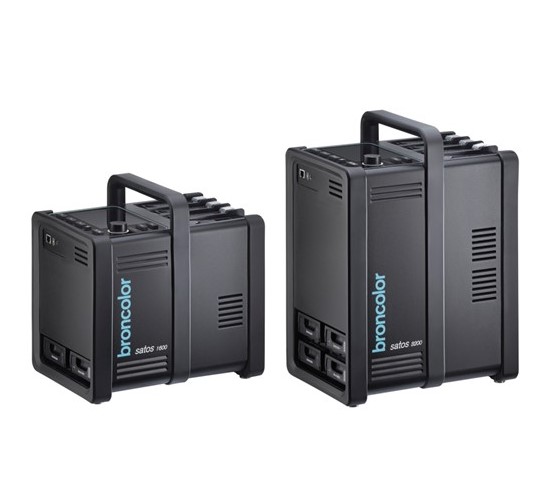 Satos
Satos
-
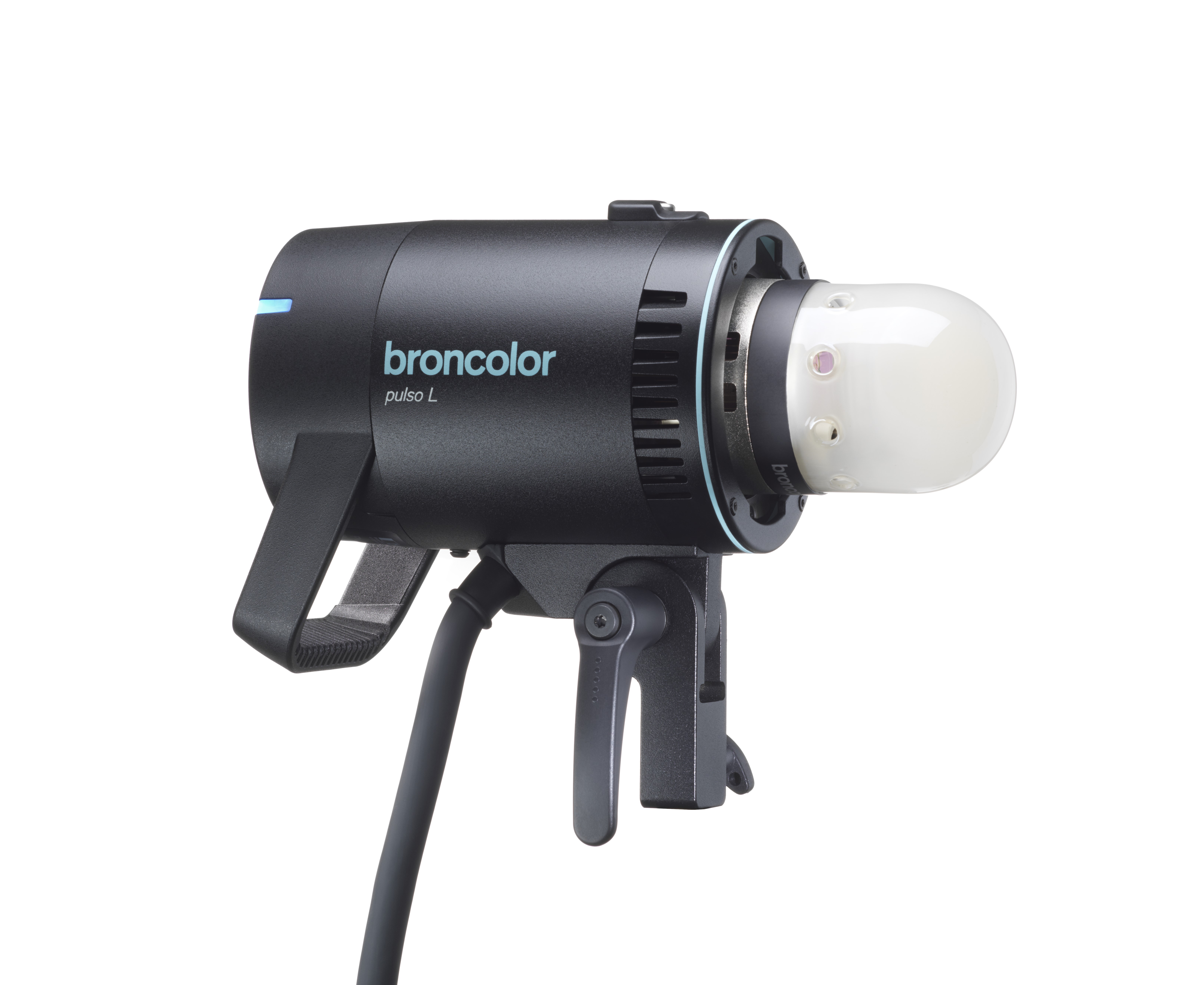 Pulso L
-
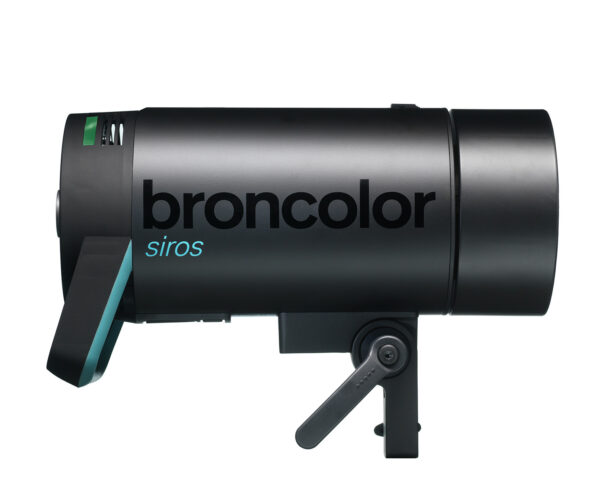 Siros S
-
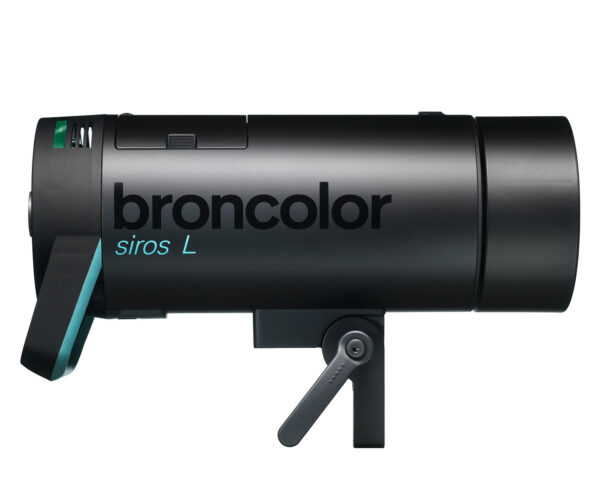 Siros L
-
 Scoro E + S
-
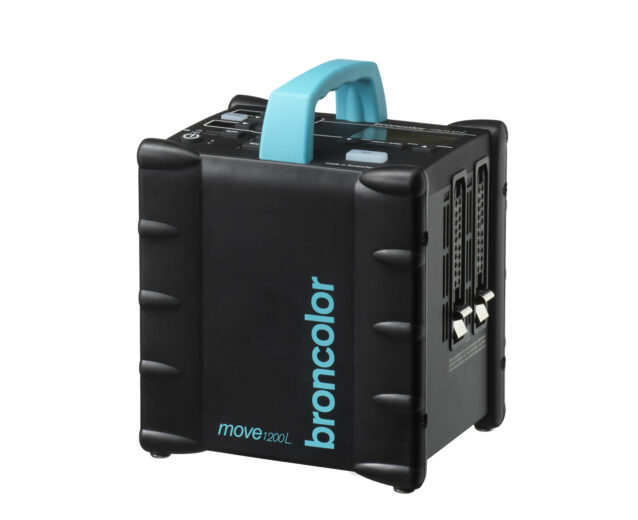 Move 1200 L
-
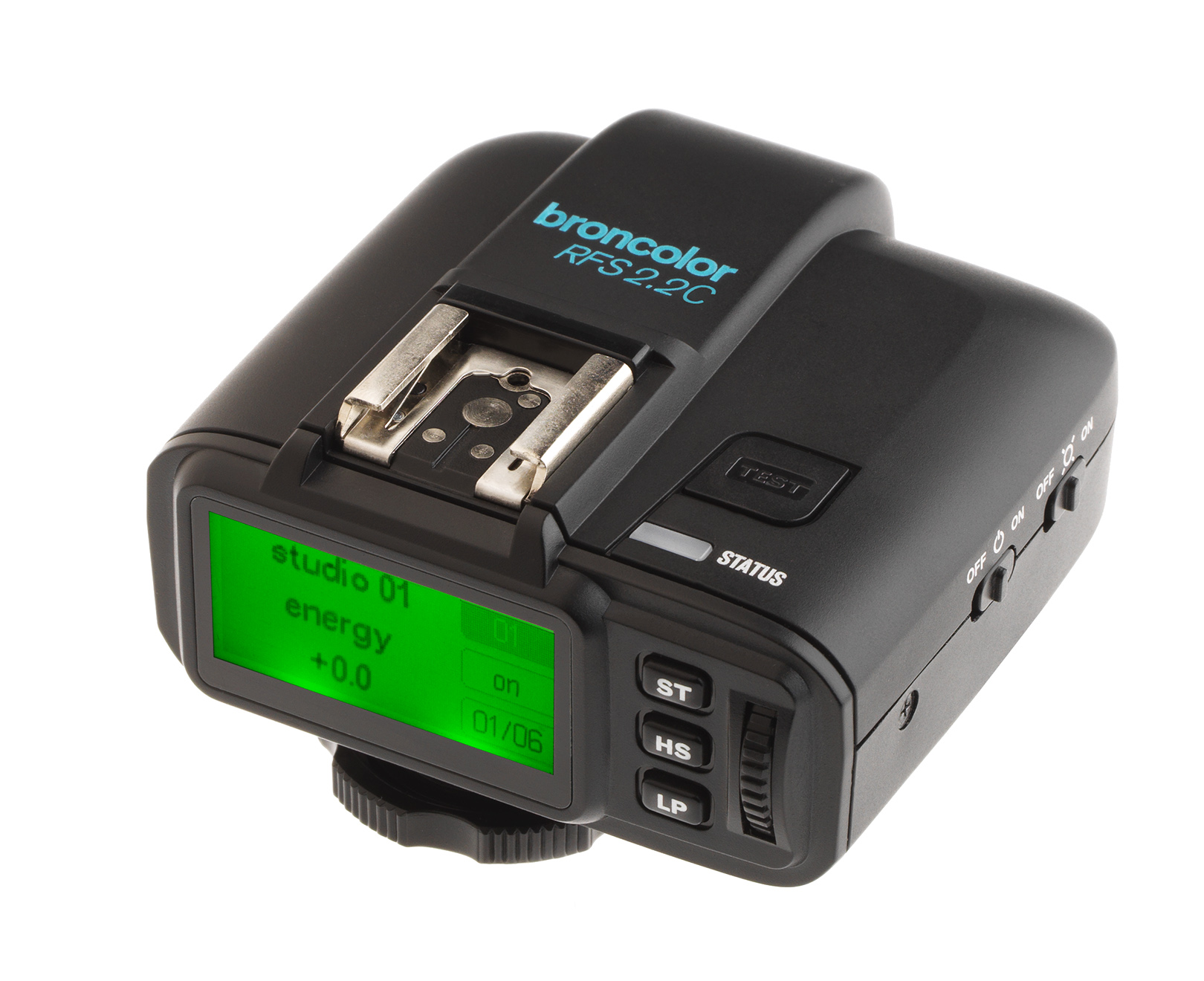 RSF 2.2
-
 RFS 2.1
-
 RFS 3
RFS 3
-
 Pulso G, Unilite et Picolite
-
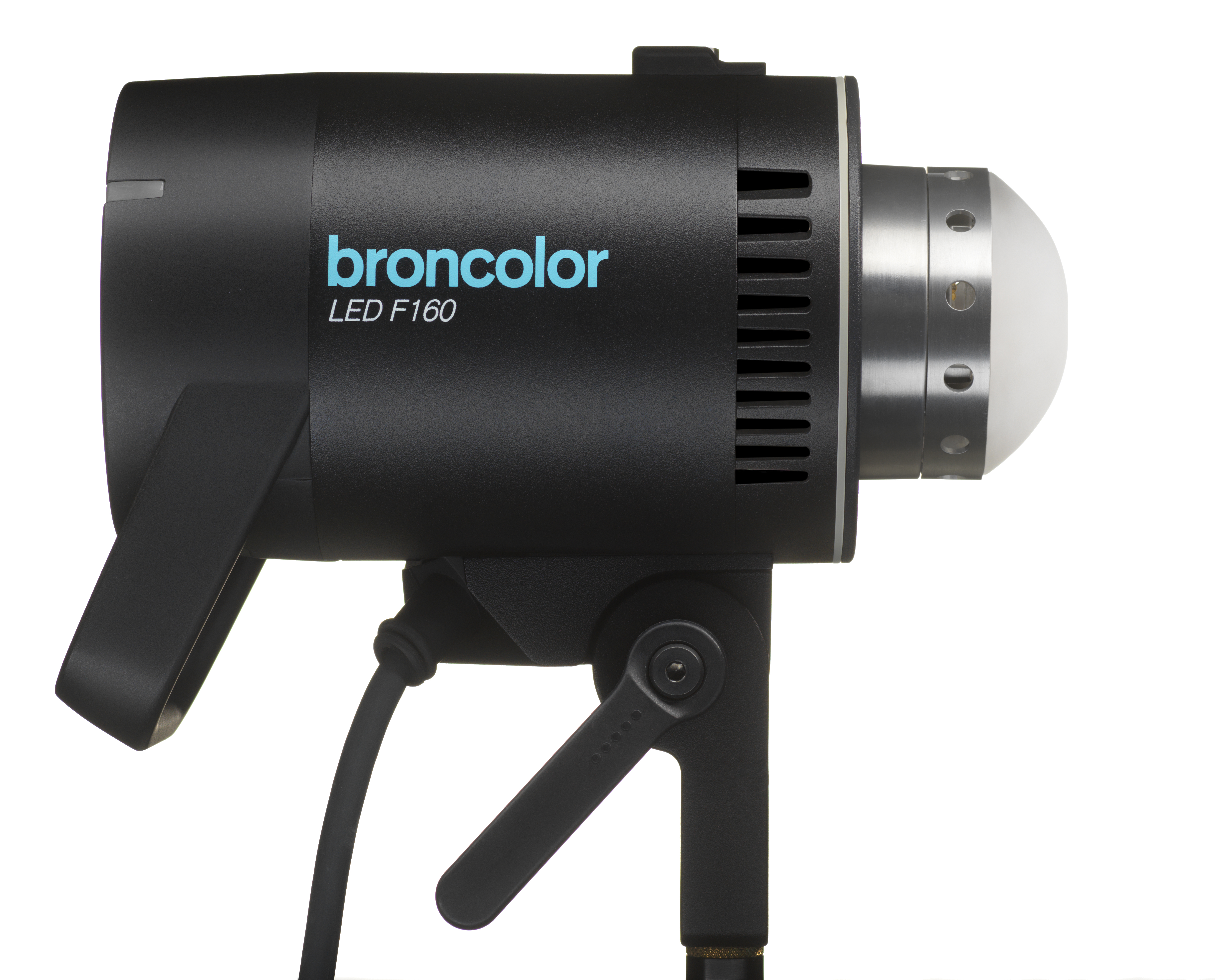 LED F160
-
 Scope D50
-
 Compatibilité ( Torche <-> Modeleur de lumière | Torche <-> Générateur)
-
 Localisez votre distributeur ou revendeur
Table of Contents
Tension du réseau
Tous les générateurs Scoro sont livrés en version multi-voltage. Les appareils s’adaptent automatiquement
à la tension du réseau. Les générateurs Scoro A2S et A4S fournissent d’une manière
constante 1600 J ou bien 3200 J pour toutes les tensions de service (85 - 240 V).
Les générateurs Scoro A2 et A4 (230 V) fonctionnent également avec 100 ou 120 V.
Cependant, sur un réseau 100 V – 120 V, on observe les restrictions suivantes:
> 800 J sont à votre disposition au lieu de 1600 J (Scoro A2).
> 1600 J sont à votre disposition au lieu de 3200 J (Scoro A4).
D’autre part, il n’y a pas d’utilisation possible en mode stroboscopique ou en mode speed.
Il n’est pas possible de modifier la durée d’éclair et la température de couleur
Attention
Veuillez contrôler que la tension de service des lampes de mise au point corresponde
à la tension du réseau local, (max. 650 W sur un réseau 200-240 V respectivement 300 W
sur un réseau de 100-120 V).
Réseau avec mise à terre
Il faut toujours raccorder l’appareil au réseau par l’intermédiaire d’une prise avec mise à terre.
Mise en service
Enclencher l’appareil à l’aide de l’interrupteur principal (1). Pendant la charge l’affichage numérique
principal (12) clignote puis reste allumé (voir chap. 12 Compatibilité des torches.