Energy control (RFS 2.1)

-
Stelos 800 L
Stelos: Safety Instructions – read before use | Environment Stelos: Firmware update Stelos: User Interface | Controls | Functions | Handling Stelos: Technical Data Stelos: Remote control | Flash triggering Stelos: Power supply | Battery Stelos: Maintenance | Repair | Warranty Stelos: Accessories & Spare Parts Stelos: Error messages
-
Satos
Satos: Safety Instructions – read before use | Environment Satos: Firmware update Satos Satos: User Interface | Controls | Functions | Handling Satos: Technical Data Satos: Remote control | Flash triggering Satos: Power supply | Battery Satos: Maintenance | Repair | Consumables | Spare parts | Guarantee Satos: Accessories Satos: Charging station for up to 4 slide-in batteries
- Pulso L
-
Siros S
Siros S: Safety Instructions – read before use | Environment Siros S: Firmware update Siros S: User Interface | Controls | Functions | Handling Siros S: Technical Data Siros S: Remote control | Flash triggering Siros S: Power supply Siros S: Maintenance | Repair | Consumables | Spare parts | Guarantee Siros S: Accessories
-
Siros L
Siros L: Safety Instructions – read before use | Environment Siros L: Firmware update Siros L Siros L: User Interface | Controls | Functions | Handling Siros L: Technical Data Siros L: Remote control | Flash triggering Siros L: Power supply | Battery Siros L: Maintenance | Repair | Consumables | Spare parts | Guarantee Siros L: Accessories
- Scoro E + S
- Move 1200 L
- RFS 2.1
- RFS 2.2
-
RFS 3
RFS 3: Safety Instructions – read before use | Environment RFS 3: Scope of delivery and operating elements RFS 3: User Interface | Controls | Functions | Handling RFS 3: Firmware Update RFS 3.0 RFS 3: Compatibility RFS 3: Technical Data RFS 3: Maintenance | Repair | Consumables | Spare parts | Guarantee RFS 3: Trouble shooting
- Pulso G, Unilite and Picolite
- LED F160
- Scope D50
- Compatibility (Lamp <-> light shaper | Lamp <-> power pack)
- Locate your distributor or dealer
-
 Stelos 800 L
-
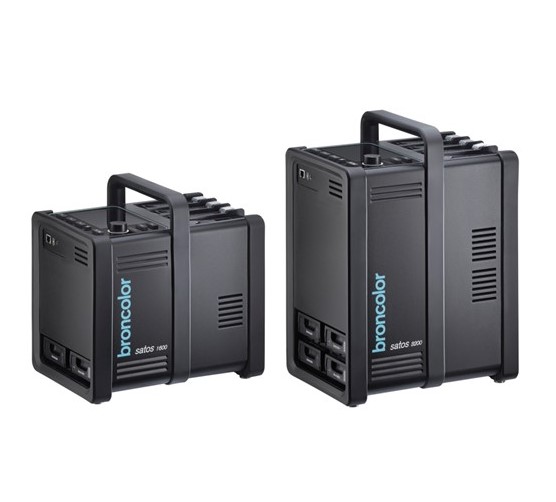 Satos
Satos
-
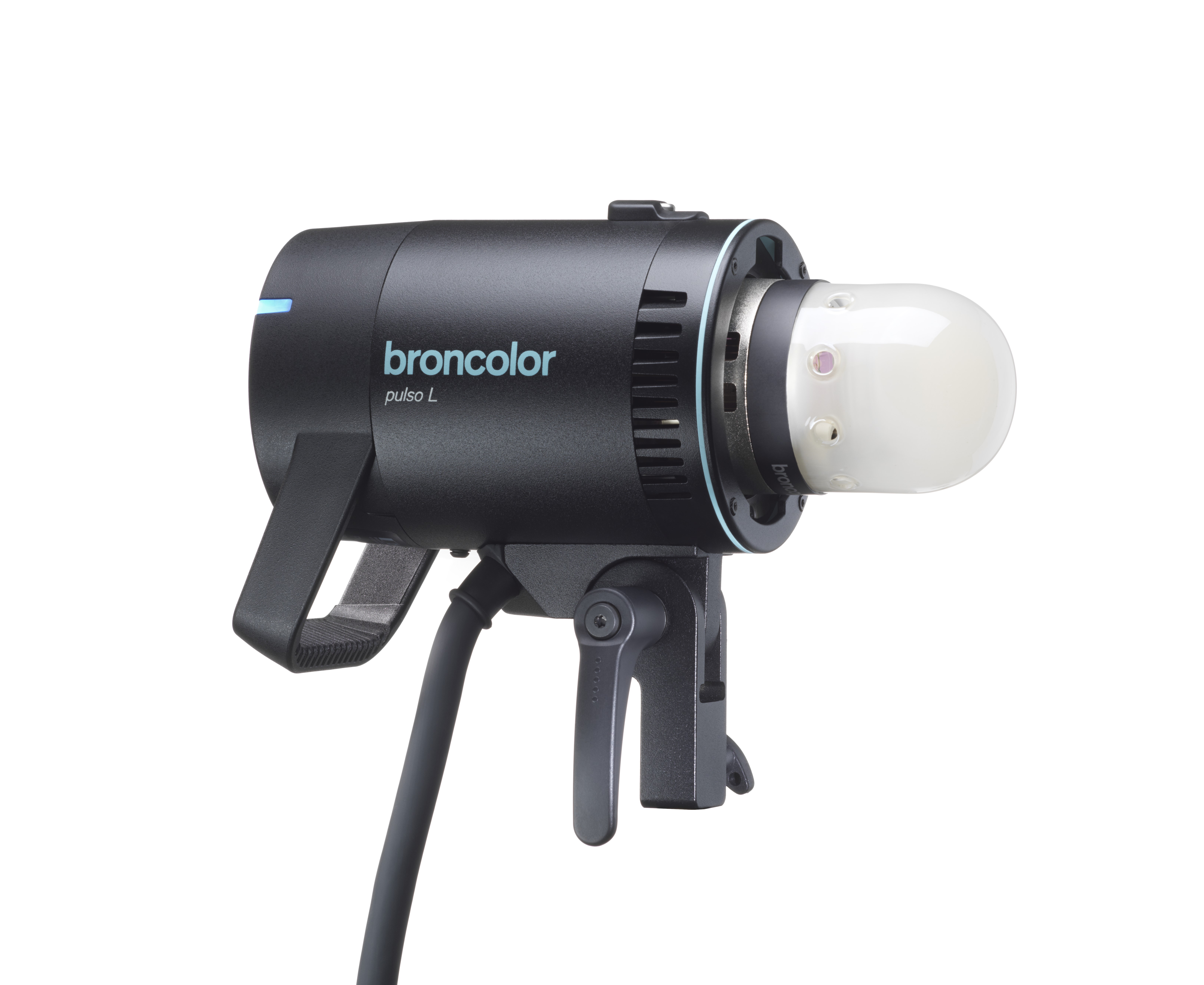 Pulso L
-
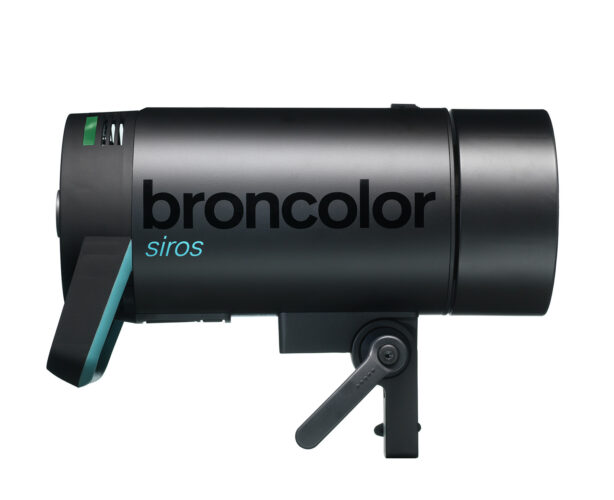 Siros S
-
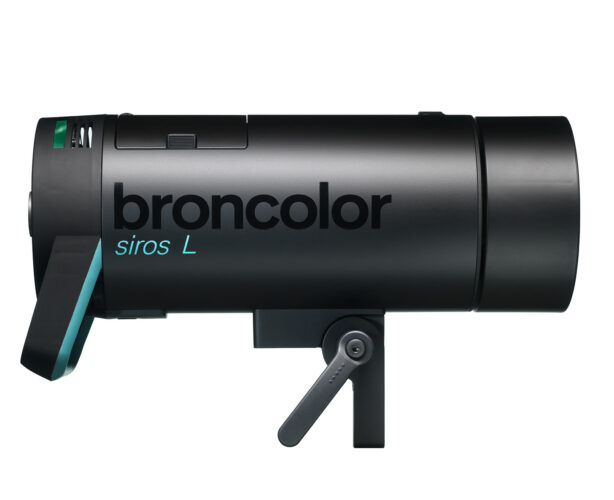 Siros L
-
 Scoro E + S
-
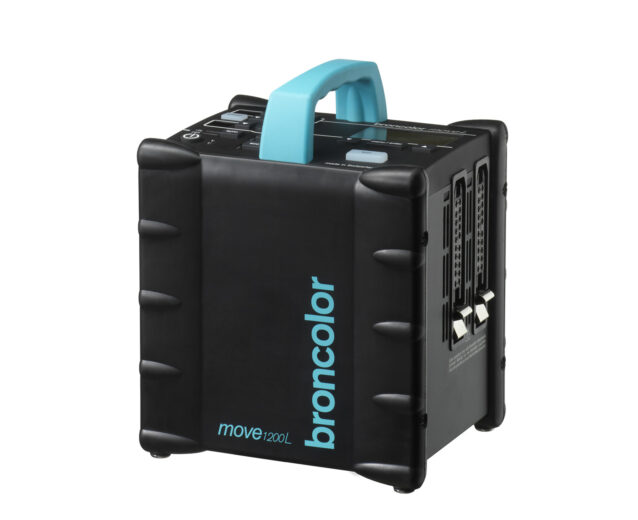 Move 1200 L
-
 RFS 2.1
-
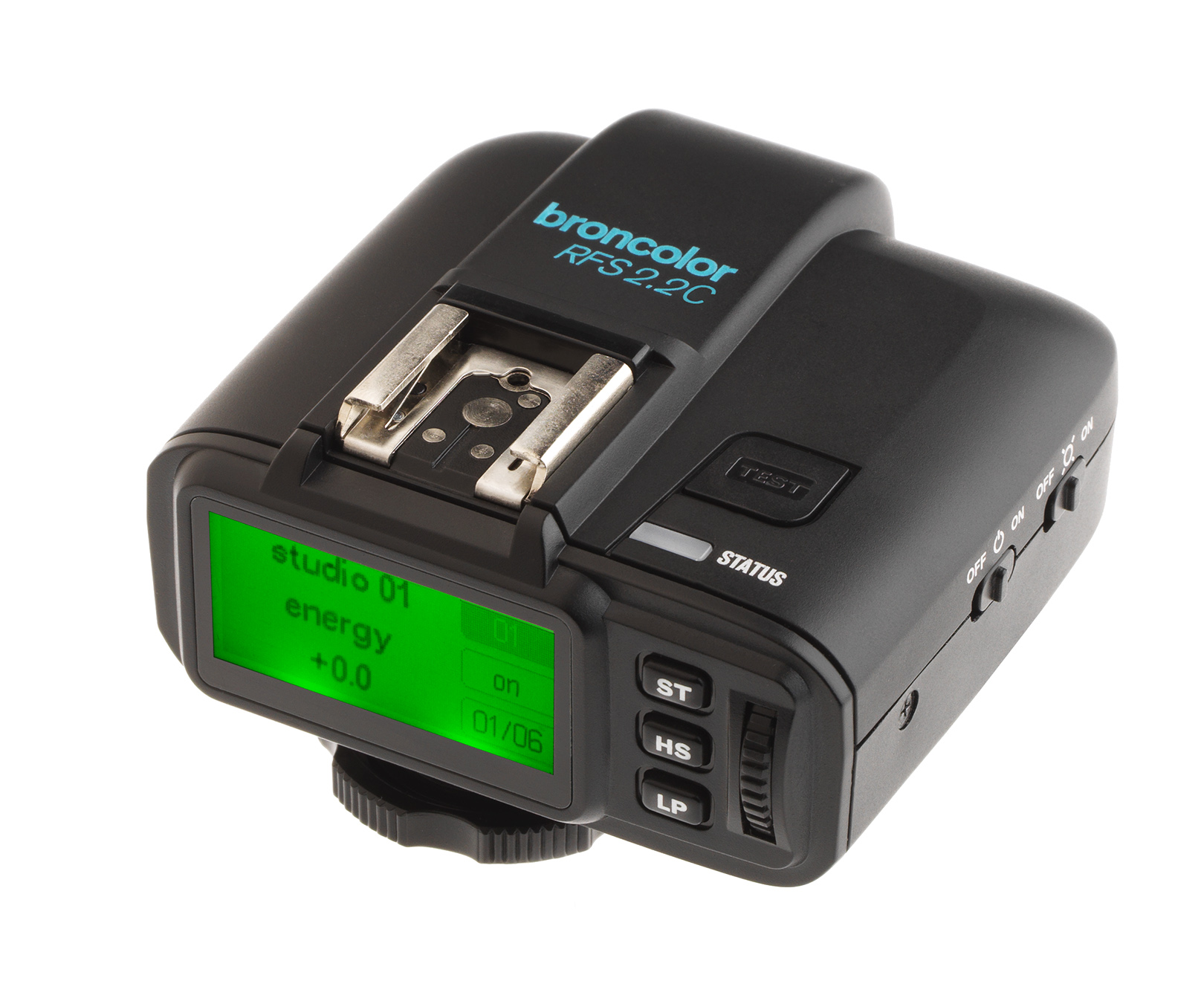 RFS 2.2
-
 RFS 3
RFS 3
-
 Pulso G, Unilite and Picolite
-
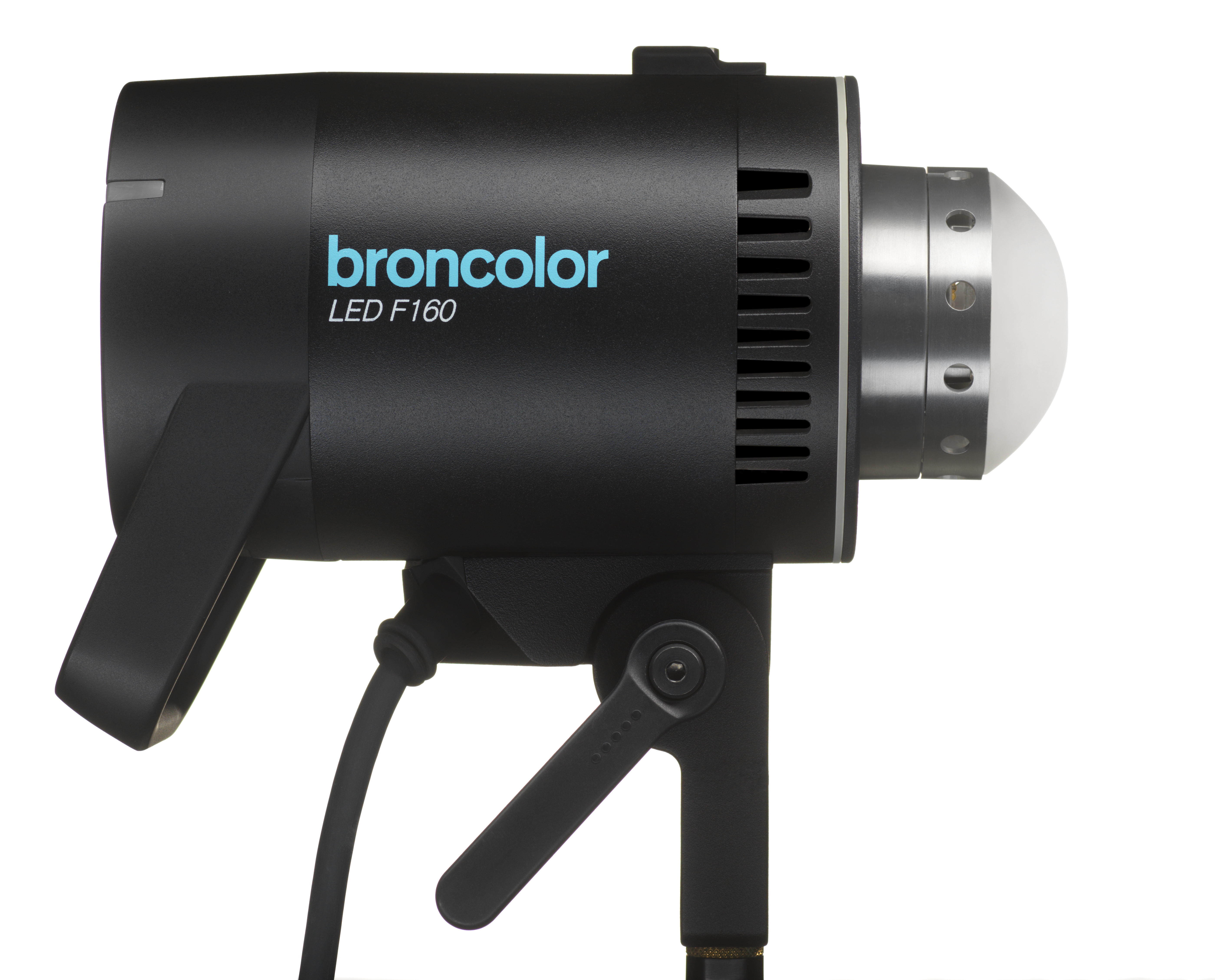 LED F160
-
 Scope D50
-
Compatibility (Lamp <-> light shaper | Lamp <-> power pack)
-
Locate your distributor or dealer
The RFS 2.1 transceiver allows you to change the power outlet of all RFS 2 or RFS 2.1 flash units that are set to the same studio address (in "ST" mode), and to change the output of individual lamp channels (in "LP" mode). The output can be adjusted in 1/10 and full f-stops. ¨
Mode "ST"
- Briefly press the key "
 " : all the RFS 2 or RFS 2.1 units increase the total energy by 1/10 f-stop
 - Briefly press the key "
 ": all the RFS 2 or RFS 2.1 units reduce the total energy by 1/10 f-stop
 - Press the key "" for more than a second: all the RFS 2 or RFS 2.1 units increase the total energy by 1 f-stop
- Press the key ""for more than a second: all the RFS 2 or RFS 2.1 units reduce the total energy by 1 f-stop
Mode "LP"
- Briefly press the key "": The lamp channel indicated increases its total output by 1/10 f-stop
- Briefly press the key "": The lamp channel indicated reduces its total output by 1/10 f-stop
- Press the key "" for more than a second: The lamp channel indicated increases its total output by 1 f-stop
- Press the key "" for more than a second: The lamp channel indicated reduces its total output by 1 f-stop
Resetting the device
To reset the device to factory settings, first press and hold the "test" key and then press the "set" key for more than four seconds. This resets the device.