Remote Control (Scoro E & S)

-
Stelos 800 L
Stelos: Safety Instructions – read before use | Environment Stelos: Firmware update Stelos: User Interface | Controls | Functions | Handling Stelos: Technical Data Stelos: Remote control | Flash triggering Stelos: Power supply | Battery Stelos: Maintenance | Repair | Warranty Stelos: Accessories & Spare Parts Stelos: Error messages
-
Satos
Satos: Safety Instructions – read before use | Environment Satos: Firmware update Satos Satos: User Interface | Controls | Functions | Handling Satos: Technical Data Satos: Remote control | Flash triggering Satos: Power supply | Battery Satos: Maintenance | Repair | Consumables | Spare parts | Guarantee Satos: Accessories Satos: Charging station for up to 4 slide-in batteries
- Pulso L
-
Siros S
Siros S: Safety Instructions – read before use | Environment Siros S: Firmware update Siros S: User Interface | Controls | Functions | Handling Siros S: Technical Data Siros S: Remote control | Flash triggering Siros S: Power supply Siros S: Maintenance | Repair | Consumables | Spare parts | Guarantee Siros S: Accessories
-
Siros L
Siros L: Safety Instructions – read before use | Environment Siros L: Firmware update Siros L Siros L: User Interface | Controls | Functions | Handling Siros L: Technical Data Siros L: Remote control | Flash triggering Siros L: Power supply | Battery Siros L: Maintenance | Repair | Consumables | Spare parts | Guarantee Siros L: Accessories
- Scoro E + S
- Move 1200 L
- RFS 2.1
- RFS 2.2
-
RFS 3
RFS 3: Safety Instructions – read before use | Environment RFS 3: Scope of delivery and operating elements RFS 3: User Interface | Controls | Functions | Handling RFS 3: Firmware Update RFS 3.0 RFS 3: Compatibility RFS 3: Technical Data RFS 3: Maintenance | Repair | Consumables | Spare parts | Guarantee RFS 3: Trouble shooting
- Pulso G, Unilite and Picolite
- LED F160
- Scope D50
- Compatibility (Lamp <-> light shaper | Lamp <-> power pack)
- Locate your distributor or dealer
-
 Stelos 800 L
-
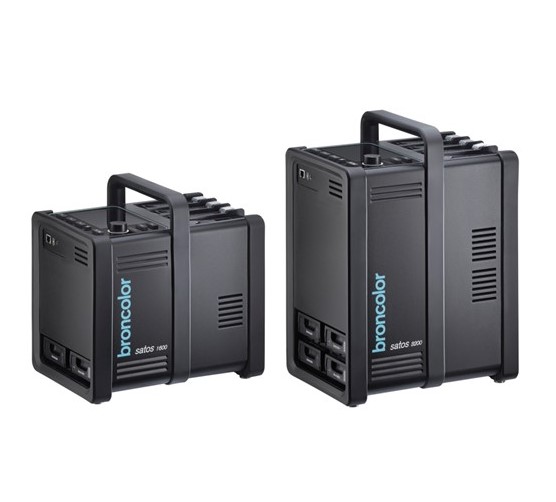 Satos
Satos
-
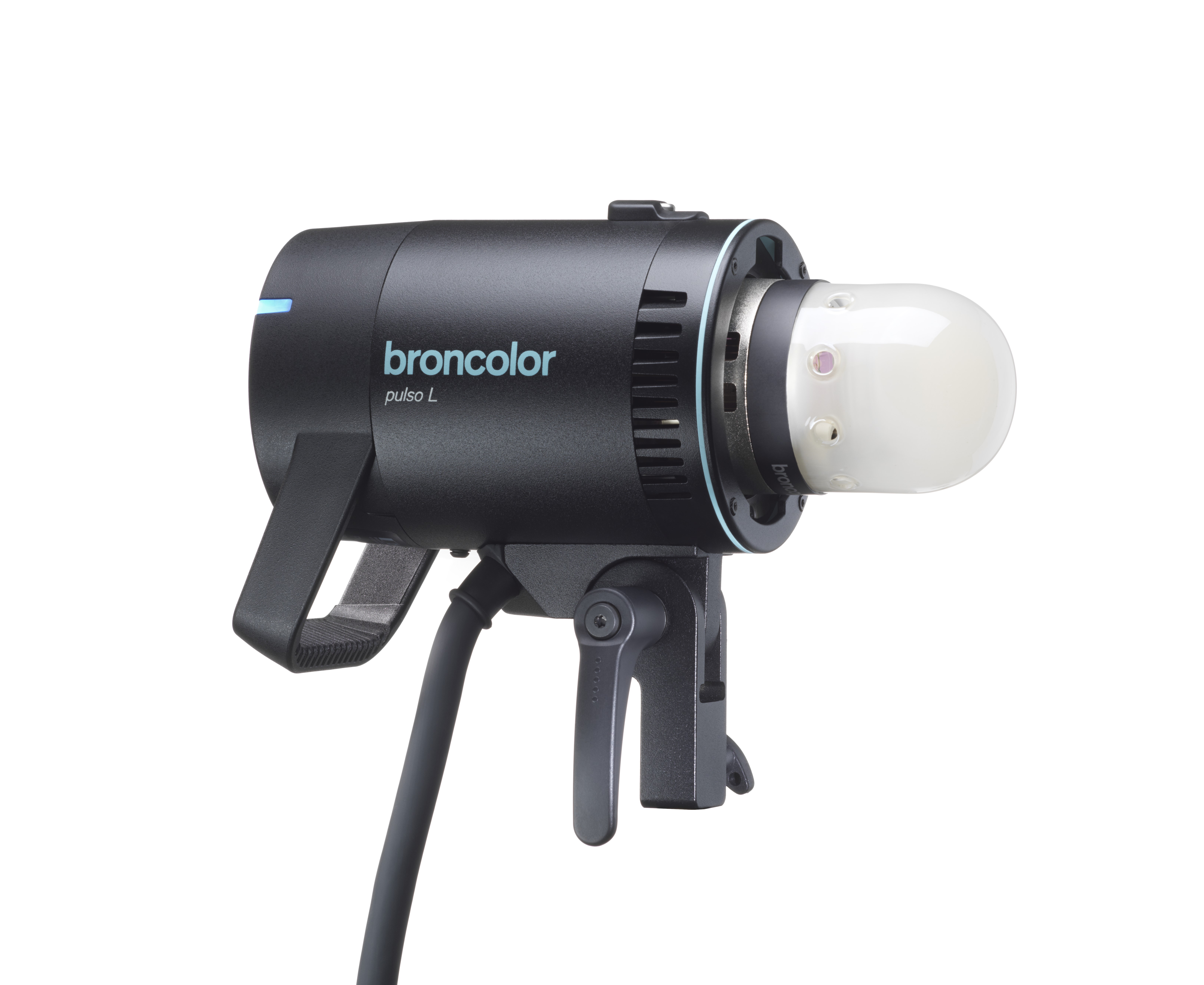 Pulso L
-
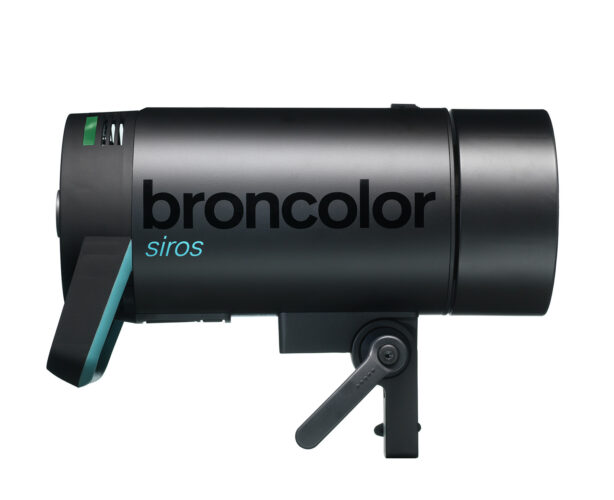 Siros S
-
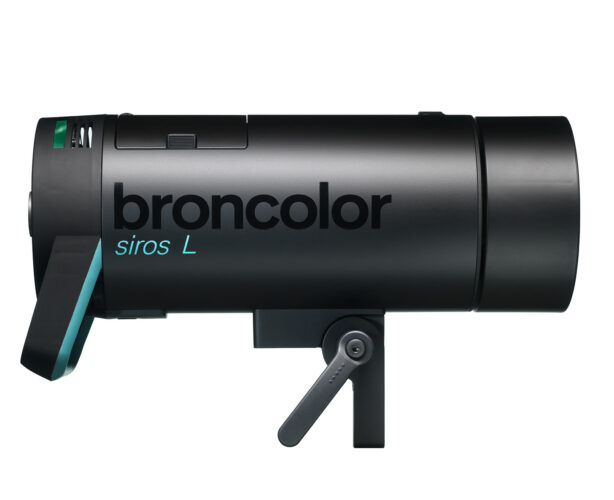 Siros L
-
 Scoro E + S
-
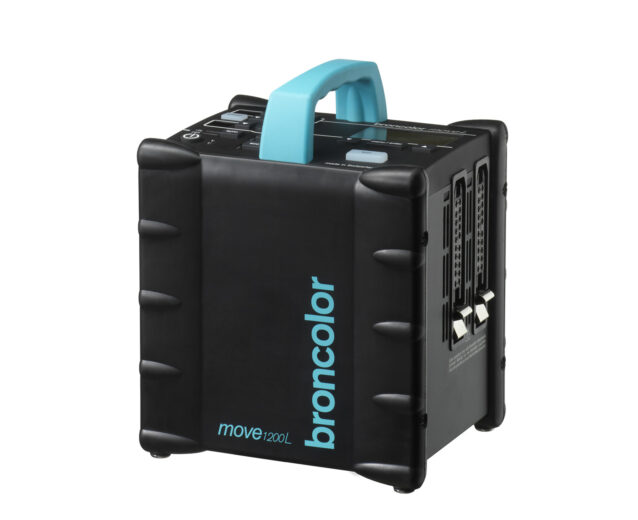 Move 1200 L
-
 RFS 2.1
-
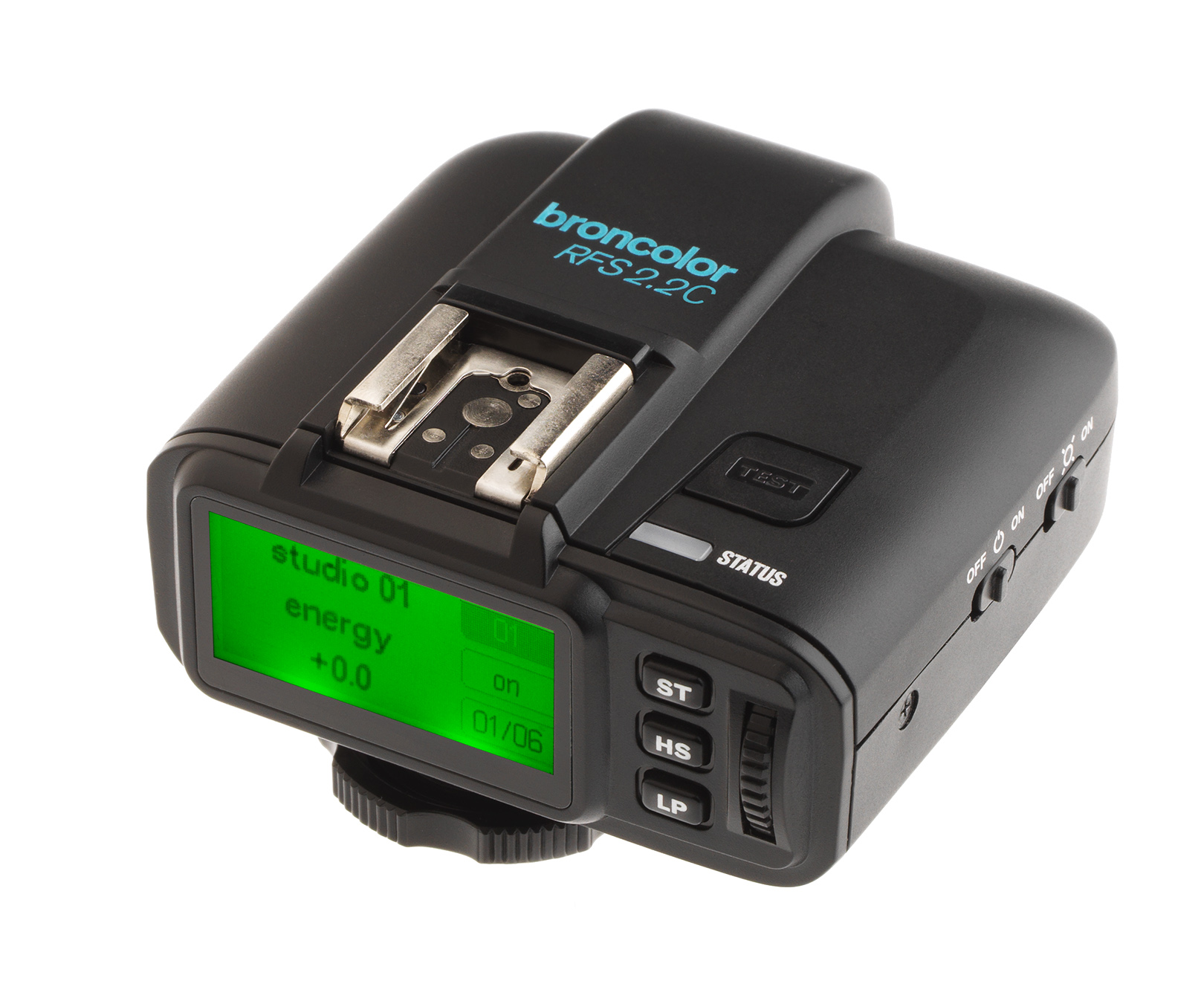 RFS 2.2
-
 RFS 3
RFS 3
-
 Pulso G, Unilite and Picolite
-
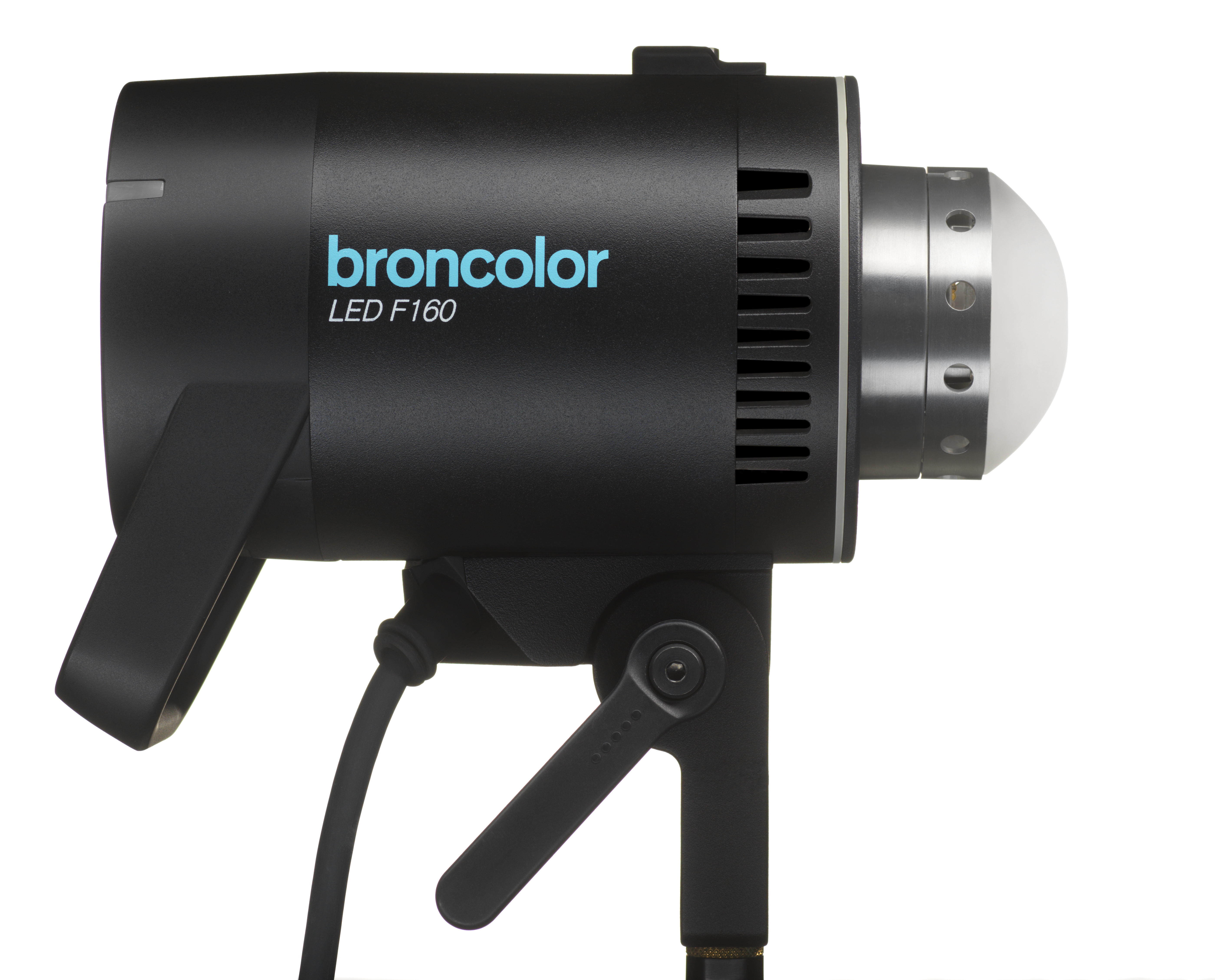 LED F160
-
 Scope D50
-
Compatibility (Lamp <-> light shaper | Lamp <-> power pack)
-
Locate your distributor or dealer
The remote control system has 20 channels (studio addresses) with up to 20 unit addresses per channel. The channels assign each an independent workstation. Each flash unit within a workstation is identifiable by its own unit address. Every other workstation can each operate up to 20 flash units. Therefore, flash units of multiple workstations are clearly identifiable. A PC or Macintosh computer, or an RFS transmitter can control all the flash units of a studio workstation (channel / studio address).
Computer connection with RFS (Radio Frequency System)
All Scoro A power packs have a built in interface which allows remote control or flash triggering of the power pack via radio from RFS transmitter, as well as RFS transceiver from PC or Macintosh computer. Therefore all the Scoro power pack functions can be comfortably controlled from a digital workstation (see diagram).
PC / Macintosh screen display

Remote control channels (RFS studio address)
Remote control by means of RFS may be performed via separate channels (studio workstations). These can be set in the LCD menu under "studio address" (see section 14.14). All flash units within a studio workstation must have the same channel number (studio address).
RFS unit addresses
Unit addresses will be assigned to each power pack for individual control. (See LCD menu "unit address", section 14.15).
Computer connection with cable
Scoro units are equipped with a computer connection socket (3). This allows operation of the power pack from the computer via cable. Each channel can control up to 20 units. Hence, Scoro power packs can be remotely controlled by cable with the Bron studio software.