Control elements - Siros S

-
Stelos 800 L
Stelos: Safety Instructions – read before use | Environment Stelos: Firmware update Stelos: User Interface | Controls | Functions | Handling Stelos: Technical Data Stelos: Remote control | Flash triggering Stelos: Power supply | Battery Stelos: Maintenance | Repair | Warranty Stelos: Accessories & Spare Parts Stelos: Error messages
-
Satos
Satos: Safety Instructions – read before use | Environment Satos: Firmware update Satos Satos: User Interface | Controls | Functions | Handling Satos: Technical Data Satos: Remote control | Flash triggering Satos: Power supply | Battery Satos: Maintenance | Repair | Consumables | Spare parts | Guarantee Satos: Accessories Satos: Charging station for up to 4 slide-in batteries
- Pulso L
-
Siros S
Siros S: Safety Instructions – read before use | Environment Siros S: Firmware update Siros S: User Interface | Controls | Functions | Handling Siros S: Technical Data Siros S: Remote control | Flash triggering Siros S: Power supply Siros S: Maintenance | Repair | Consumables | Spare parts | Guarantee Siros S: Accessories
-
Siros L
Siros L: Safety Instructions – read before use | Environment Siros L: Firmware update Siros L Siros L: User Interface | Controls | Functions | Handling Siros L: Technical Data Siros L: Remote control | Flash triggering Siros L: Power supply | Battery Siros L: Maintenance | Repair | Consumables | Spare parts | Guarantee Siros L: Accessories
- Scoro E + S
- Move 1200 L
- RFS 2.1
- RFS 2.2
-
RFS 3
RFS 3: Safety Instructions – read before use | Environment RFS 3: Scope of delivery and operating elements RFS 3: User Interface | Controls | Functions | Handling RFS 3: Firmware Update RFS 3.0 RFS 3: Compatibility RFS 3: Technical Data RFS 3: Maintenance | Repair | Consumables | Spare parts | Guarantee RFS 3: Trouble shooting
- Pulso G, Unilite and Picolite
- LED F160
- Scope D50
- Compatibility (Lamp <-> light shaper | Lamp <-> power pack)
- Locate your distributor or dealer
-
 Stelos 800 L
-
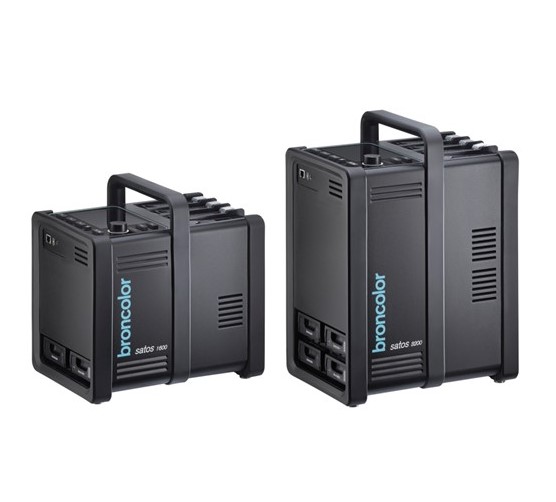 Satos
Satos
-
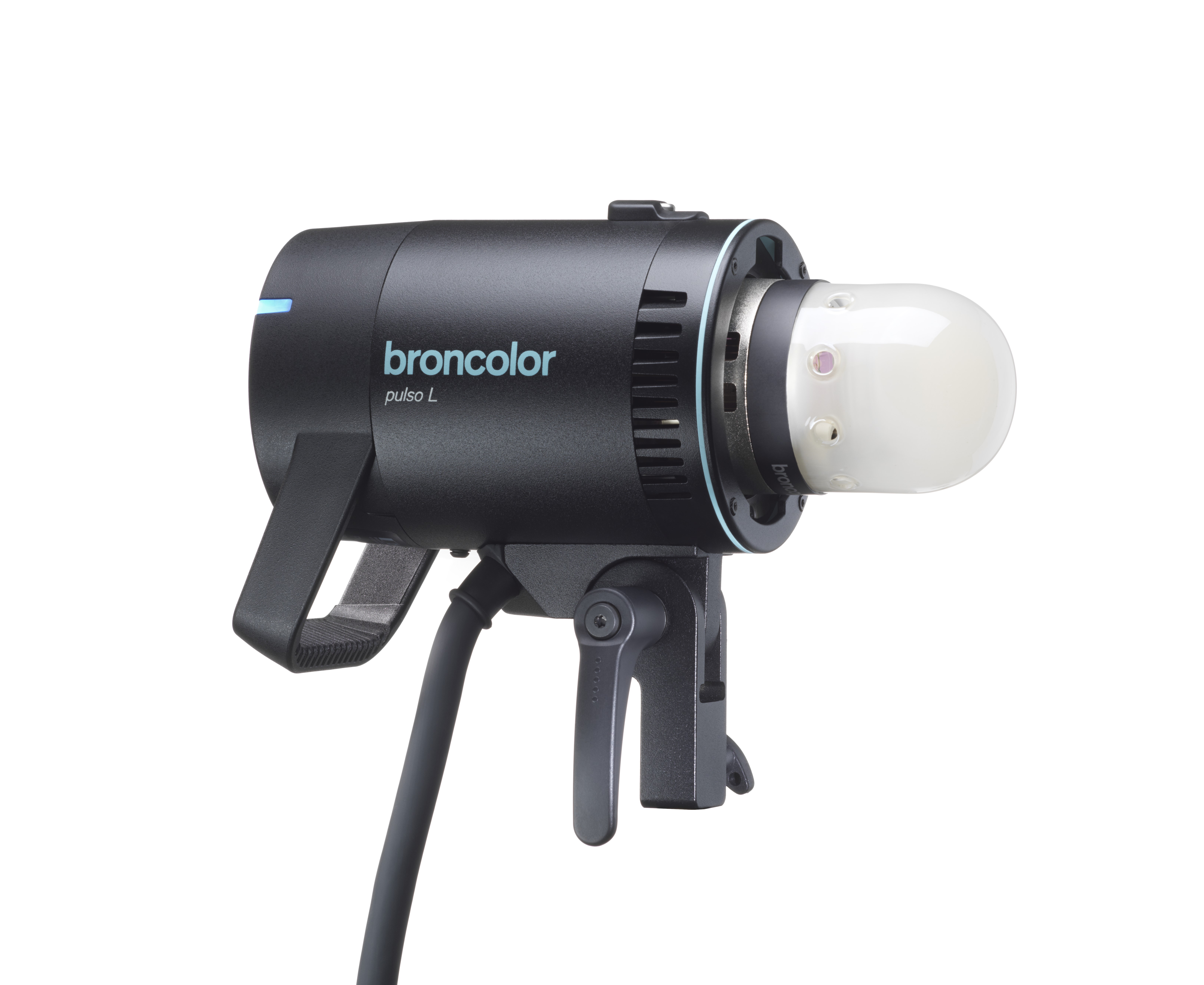 Pulso L
-
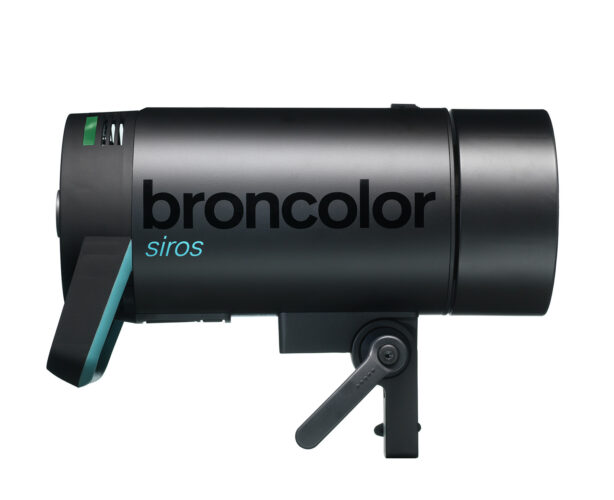 Siros S
-
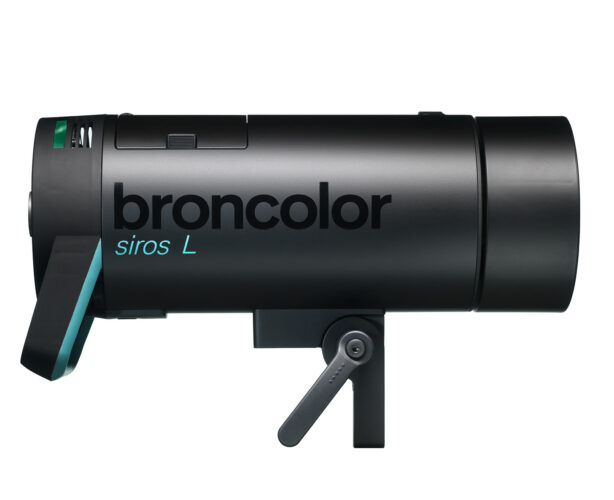 Siros L
-
 Scoro E + S
-
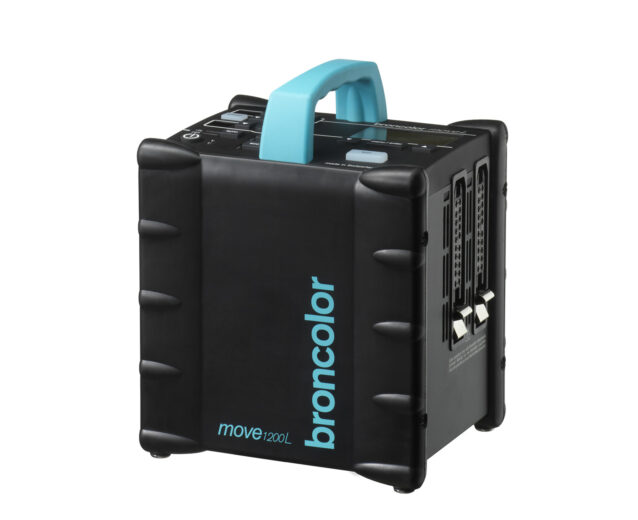 Move 1200 L
-
 RFS 2.1
-
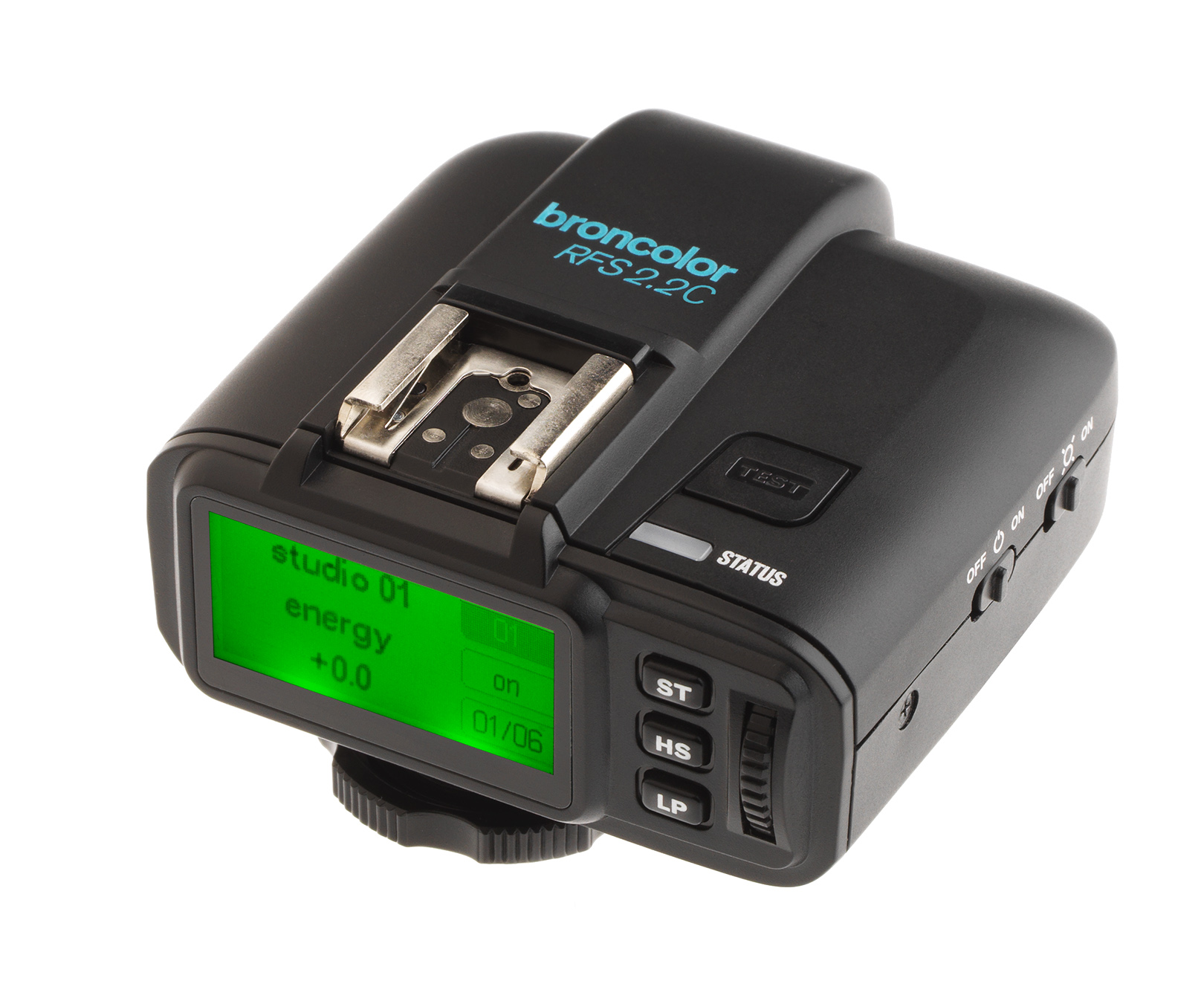 RFS 2.2
-
 RFS 3
RFS 3
-
 Pulso G, Unilite and Picolite
-
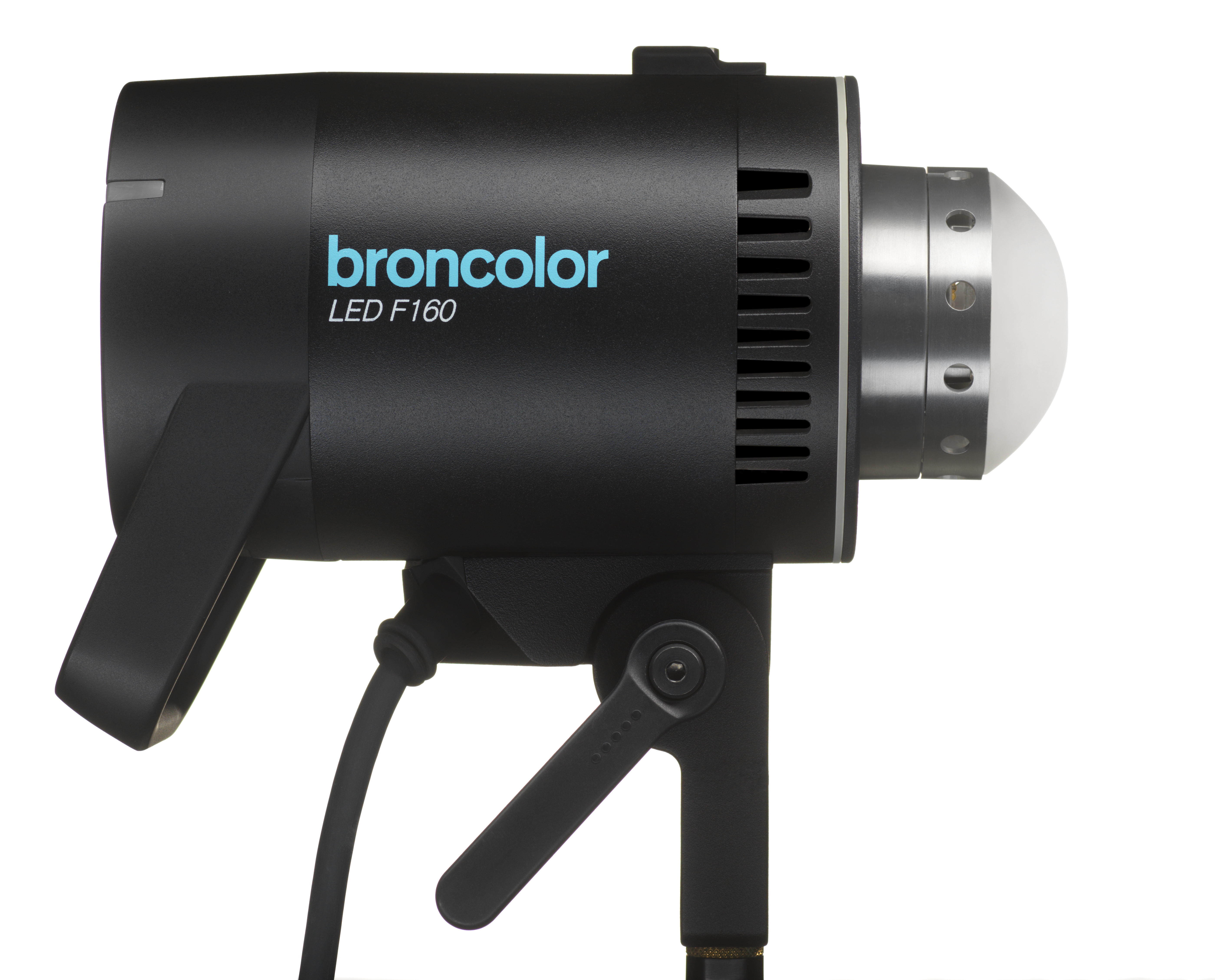 LED F160
-
 Scope D50
-
Compatibility (Lamp <-> light shaper | Lamp <-> power pack)
-
Locate your distributor or dealer
| Element | Function | |
 |
Rotary controller | Switches the unit on and off (stand-by mode). Pressing on the rotary controller for 3 s switches the unit to stand-by. |
| In menu: menu navigation and confirmation of menu items. | ||
| In operation: changes the flash energy. Turning anticlockwise reduces the flash energy, turning clockwise increases it. Turning slowly changes it in 1/10 f-stop steps, turning fast ("twisting") in 1/1 f-stop steps. | ||
 |
Info display | Shows the flash energy selected, or the menu selection options. |
 |
Mod Modelling light on / off |
Switches the modelling light on or off. A longer press changes the operating mode from "full" to "prop" or vice versa. |
 |
Test | Starts test: the "Ready" display around the rotary controller changes to blue as soon as the charge/ discharge operation has been completed. |
|
Menu functions |
||
 |
Speed | For fast charging and flash times. |
 |
WiFi | Indicates whether WiFi is switched on or off. |
 |
HS | Indicates whether HS is switched on or off (Siros 800 S only). |
 |
Studio / Channel | For switching the current studio channel (RFS 2). |
 |
Lamp | For selecting the lamp channel (RFS 2). |

|
Sequence | To select the number of flashes. |
 |
Beep | Shows if the acoustic "Ready" warning is switched on or off. |
 |
Sync | Permits the selection of different methods of release (photocell, radio, photocell and/or radio). |
 |
Sync socket / Mini USB | For release via the sync cable, or software update via Mini USB. |
 |
On / Off | Switches the unit on or off. |