Remote control and flash triggering (Stelos)

-
Stelos 800 L
Stelos: Safety Instructions – read before use | Environment Stelos: Firmware update Stelos: User Interface | Controls | Functions | Handling Stelos: Technical Data Stelos: Remote control | Flash triggering Stelos: Power supply | Battery Stelos: Maintenance | Repair | Warranty Stelos: Accessories & Spare Parts Stelos: Error messages
-
Satos
Satos: Safety Instructions – read before use | Environment Satos: Firmware update Satos Satos: User Interface | Controls | Functions | Handling Satos: Technical Data Satos: Remote control | Flash triggering Satos: Power supply | Battery Satos: Maintenance | Repair | Consumables | Spare parts | Guarantee Satos: Accessories Satos: Charging station for up to 4 slide-in batteries
- Pulso L
-
Siros S
Siros S: Safety Instructions – read before use | Environment Siros S: Firmware update Siros S: User Interface | Controls | Functions | Handling Siros S: Technical Data Siros S: Remote control | Flash triggering Siros S: Power supply Siros S: Maintenance | Repair | Consumables | Spare parts | Guarantee Siros S: Accessories
-
Siros L
Siros L: Safety Instructions – read before use | Environment Siros L: Firmware update Siros L Siros L: User Interface | Controls | Functions | Handling Siros L: Technical Data Siros L: Remote control | Flash triggering Siros L: Power supply | Battery Siros L: Maintenance | Repair | Consumables | Spare parts | Guarantee Siros L: Accessories
- Scoro E + S
- Move 1200 L
- RFS 2.1
- RFS 2.2
-
RFS 3
RFS 3: Safety Instructions – read before use | Environment RFS 3: Scope of delivery and operating elements RFS 3: User Interface | Controls | Functions | Handling RFS 3: Firmware Update RFS 3.0 RFS 3: Compatibility RFS 3: Technical Data RFS 3: Maintenance | Repair | Consumables | Spare parts | Guarantee RFS 3: Trouble shooting
- Pulso G, Unilite and Picolite
- LED F160
- Scope D50
- Compatibility (Lamp <-> light shaper | Lamp <-> power pack)
- Locate your distributor or dealer
-
 Stelos 800 L
-
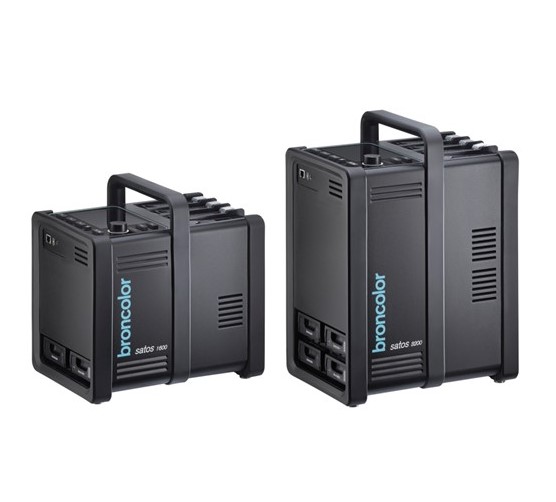 Satos
Satos
-
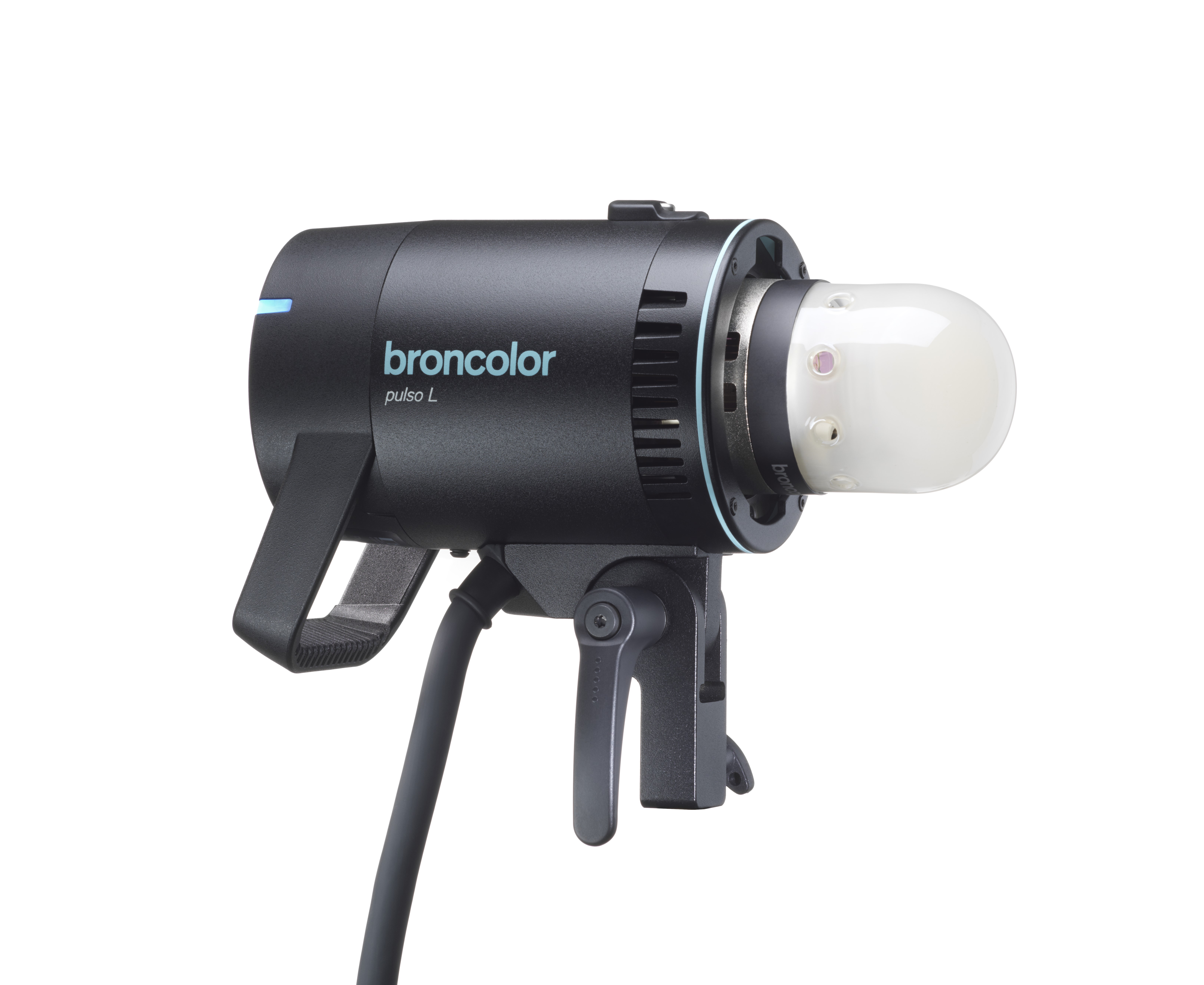 Pulso L
-
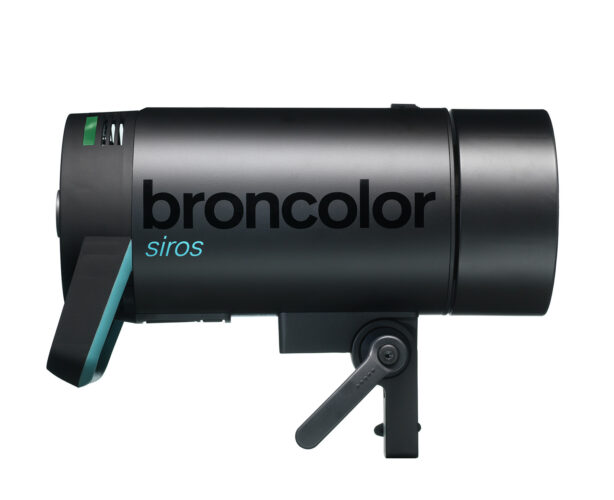 Siros S
-
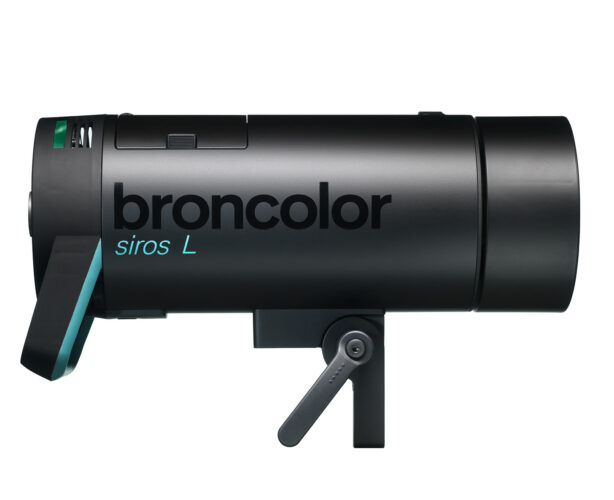 Siros L
-
 Scoro E + S
-
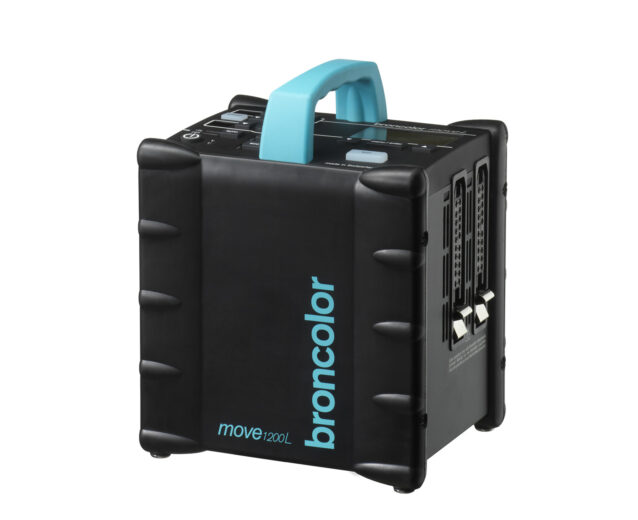 Move 1200 L
-
 RFS 2.1
-
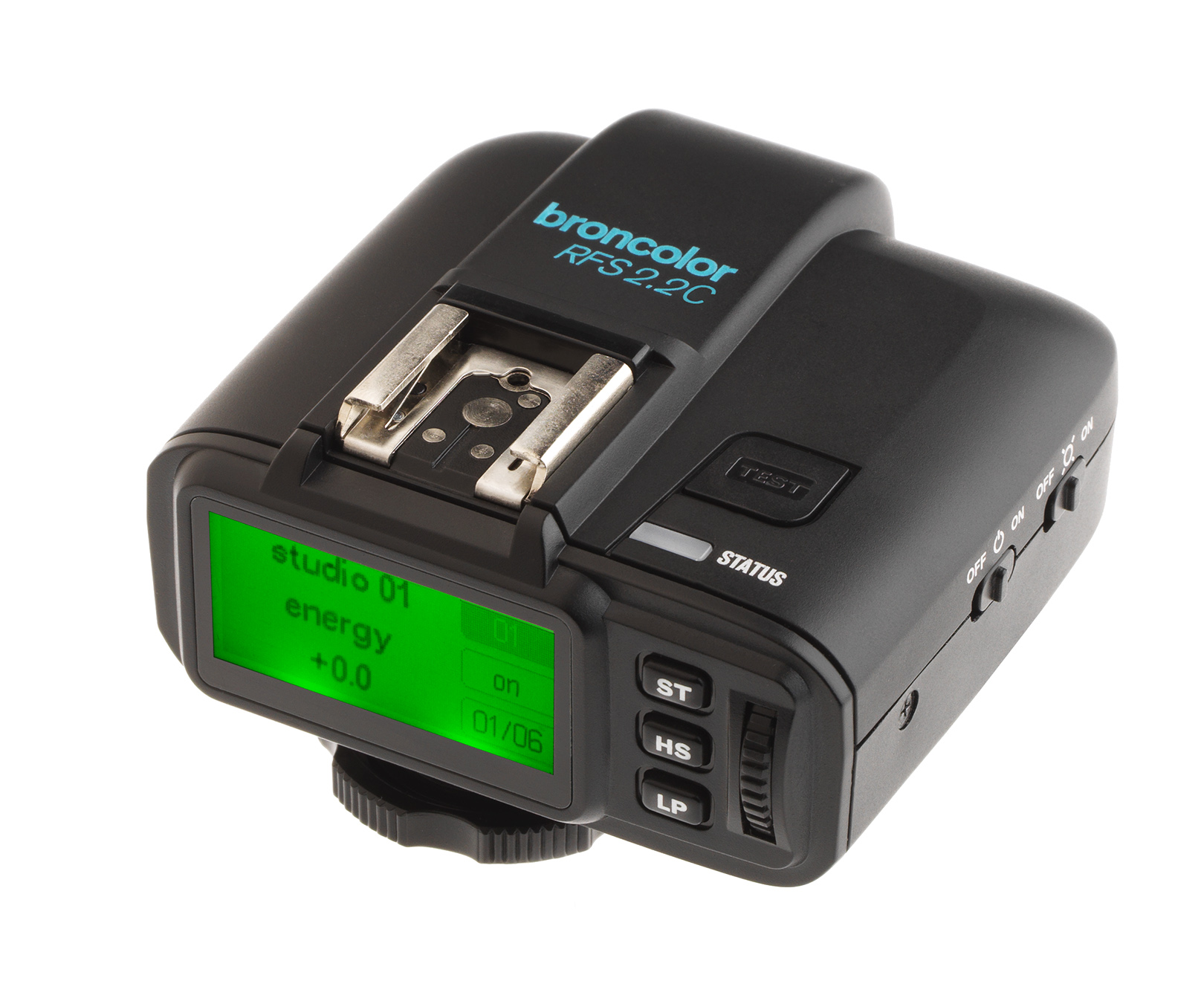 RFS 2.2
-
 RFS 3
RFS 3
-
 Pulso G, Unilite and Picolite
-
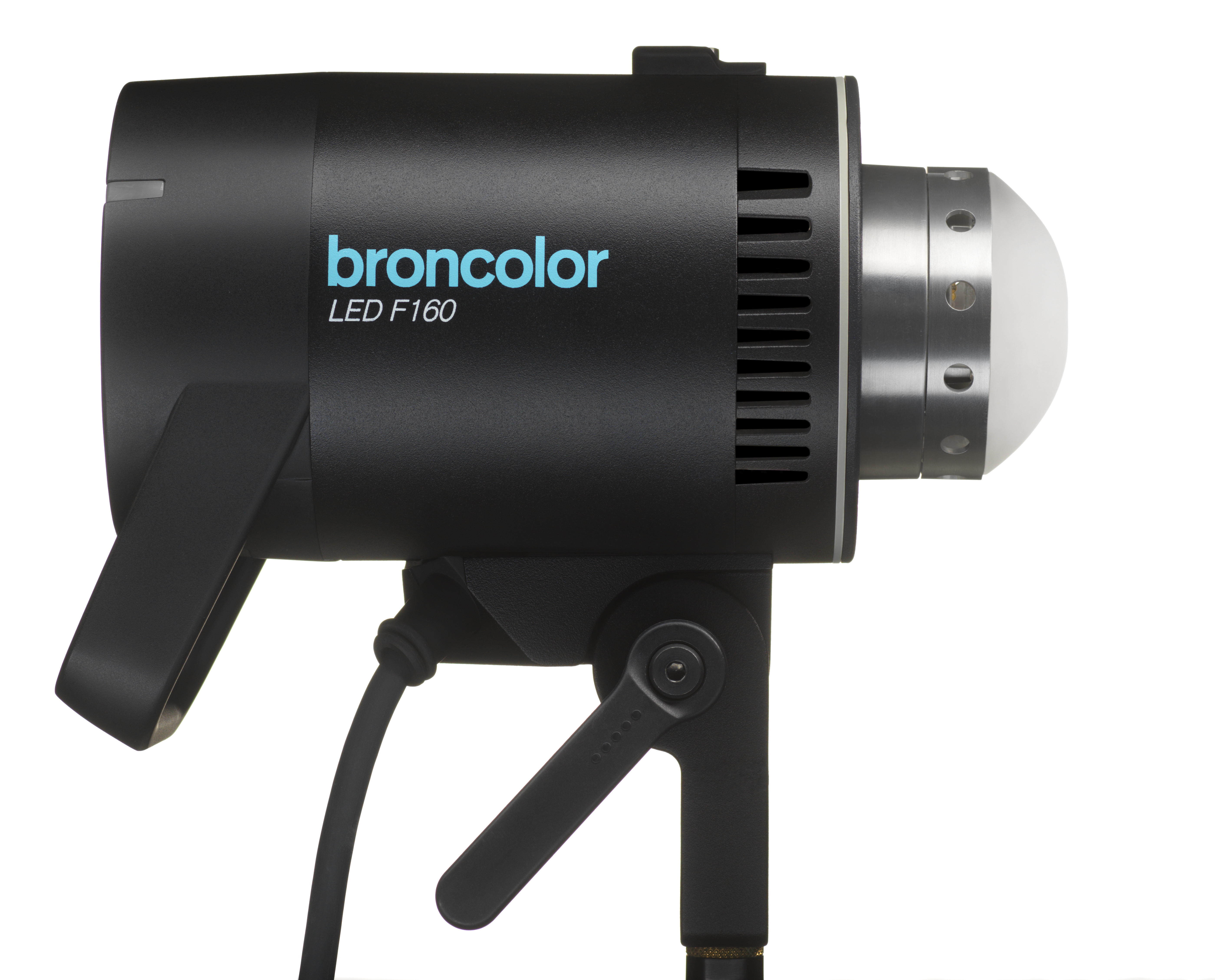 LED F160
-
 Scope D50
-
Compatibility (Lamp <-> light shaper | Lamp <-> power pack)
-
Locate your distributor or dealer
Studio / Sync
In this submenu, define how flashes are to be triggered:
| RFS on | The trigger signal is transmitted by radio. |
| RFS off | No trigger signal via radio. |
| Studio address |
Set a number between 1 and 99. You must also set the selected number on your broncolor RFS radio transmitter. If you switch to a different studio address, you may experience unwanted flash firings or radio interference*. |
| Lamp address |
Lamp address: The control range is 1 to 40. The broncolor RFS 2.1, RFS 2.2 and RFS 3 radio transmitter systems allow you to control several groups of flash devices (one after the other). The assignment to groups is based on the lamp address (this also applies to the bronControl app).
For more info, check out the relevant operating instructions: |
| Cell sensitivity low |
Flash triggered by light pulse active. The photo cell sensitivity is low. |
| Cell sensitivity high |
Flash triggered by light pulse. The photocell sensitivity is high. |
| Cell off | No flash triggered by light pulse. |
*In the event of problems and undefined malfunctions of broncolor RFS devices, strong frequency interference may be disrupting radio communication between the devices. In this case, find a better location for your devices to avoid possible frequency interference from baby monitors, video bridges, microwaves, cordless DECT phones, WLAN or Bluetooth devices, or use a different studio channel.
If you set the same studio address on several broncolor flash units (and on the RFS radio transmitter), they will all respond to the commands from the radio transmitter.
RFS and cell can also be active at the same time.
Alternatively, you can also trigger the flash via the built-in sync socket (wired method).
Tip:
The sync socket is always active.
The sync cables (item no. 34.111.00; 5 m) and (item no. 34.112.00; 10 m) can be plugged into the sync socket for triggering via cable. for triggering via cable.
Flash release
- manual trigger button
- photocell
- sync cable
- with built-in broncolor RFS receiver (compatible with RFS 2.1, RFS 2.2, and RFS 3)
Remote control