The submenu: detailed description (LED F160)

-
Stelos 800 L
Stelos: Safety Instructions – read before use | Environment Stelos: Firmware update Stelos: User Interface | Controls | Functions | Handling Stelos: Technical Data Stelos: Remote control | Flash triggering Stelos: Power supply | Battery Stelos: Maintenance | Repair | Warranty Stelos: Accessories & Spare Parts Stelos: Error messages
-
Satos
Satos: Safety Instructions – read before use | Environment Satos: Firmware update Satos Satos: User Interface | Controls | Functions | Handling Satos: Technical Data Satos: Remote control | Flash triggering Satos: Power supply | Battery Satos: Maintenance | Repair | Consumables | Spare parts | Guarantee Satos: Accessories Satos: Charging station for up to 4 slide-in batteries
- Pulso L
-
Siros S
Siros S: Safety Instructions – read before use | Environment Siros S: Firmware update Siros S: User Interface | Controls | Functions | Handling Siros S: Technical Data Siros S: Remote control | Flash triggering Siros S: Power supply Siros S: Maintenance | Repair | Consumables | Spare parts | Guarantee Siros S: Accessories
-
Siros L
Siros L: Safety Instructions – read before use | Environment Siros L: Firmware update Siros L Siros L: User Interface | Controls | Functions | Handling Siros L: Technical Data Siros L: Remote control | Flash triggering Siros L: Power supply | Battery Siros L: Maintenance | Repair | Consumables | Spare parts | Guarantee Siros L: Accessories
- Scoro E + S
- Move 1200 L
- RFS 2.1
- RFS 2.2
-
RFS 3
RFS 3: Safety Instructions – read before use | Environment RFS 3: Scope of delivery and operating elements RFS 3: User Interface | Controls | Functions | Handling RFS 3: Firmware Update RFS 3.0 RFS 3: Compatibility RFS 3: Technical Data RFS 3: Maintenance | Repair | Consumables | Spare parts | Guarantee RFS 3: Trouble shooting
- Pulso G, Unilite and Picolite
- LED F160
- Scope D50
- Compatibility (Lamp <-> light shaper | Lamp <-> power pack)
- Locate your distributor or dealer
-
 Stelos 800 L
-
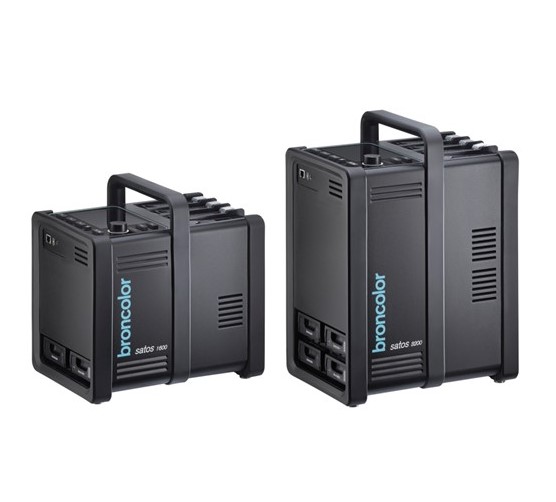 Satos
Satos
-
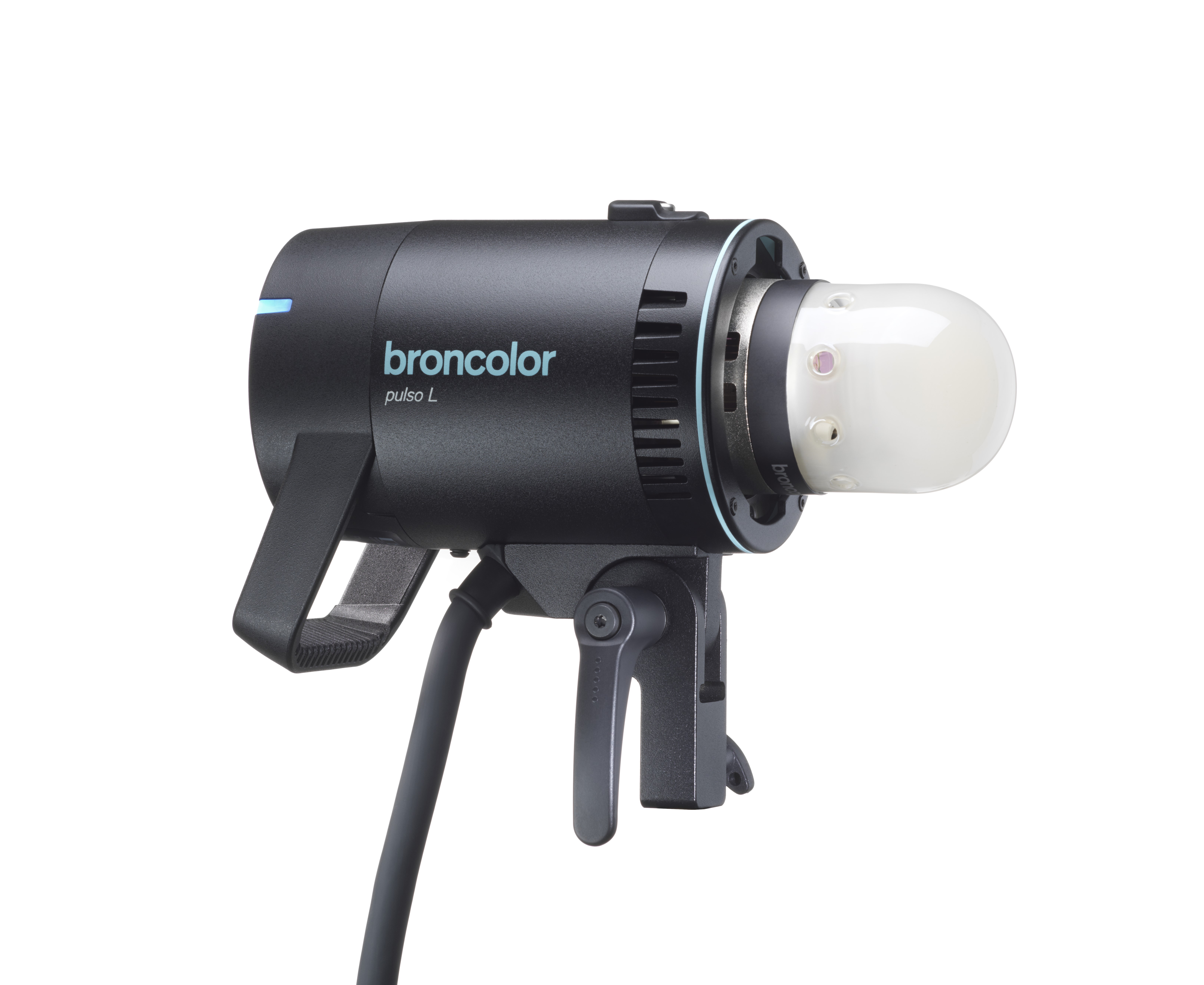 Pulso L
-
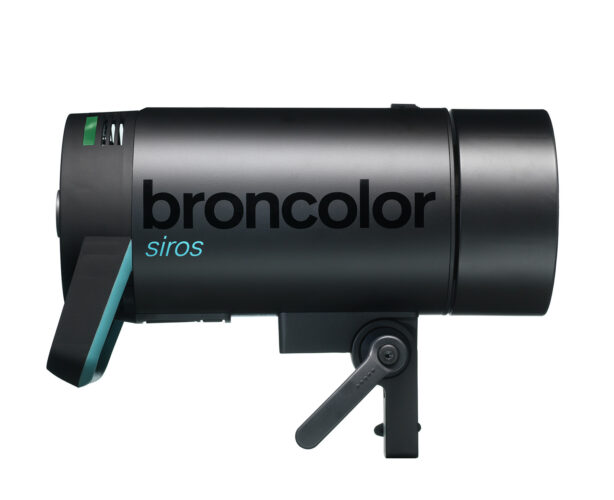 Siros S
-
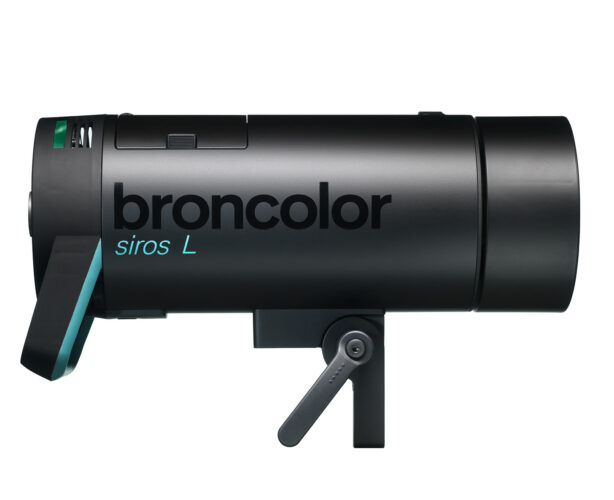 Siros L
-
 Scoro E + S
-
 Move 1200 L
-
 RFS 2.1
-
 RFS 2.2
-
 RFS 3
RFS 3
-
 Pulso G, Unilite and Picolite
-
 LED F160
-
 Scope D50
-
Compatibility (Lamp <-> light shaper | Lamp <-> power pack)
-
Locate your distributor or dealer
In this section, each available function in the submenu is explained in detail.
Units
This submenu allows you to select the preferred way of displaying the output: either in percentage ("%") or f-stops.
Cognition light
The purpose of the Cognition light is to better differentiate between individual lamps when they are controlled by the "bronControl" app. The assignment to a colour is determined by the respective lamp address:
Lamp address 1 blue
Lamp address 2 green
Lamp address 3 violet
Lamp address 4 yellow
Lamp address 5 turquoise
From lamp address 6, the colours repeat in the same order (starting with blue).
You can activate ("on") the Cognition light or deactivate ("off") it.
The "bronControl" app can be downloaded free of charge and is available for computers, tablets, and smartphones.
The following link will provide you with further information: www.broncolor.swiss
Lamp address
Here, you can assign an address (1 to 508) to every lamp in use. Lamps with an identical address are clustered in the same group.
This means you can control all lamps within this group simultaneously.
WIFI
Here, you can adjust the following values:
- switch on WiFi ("on")
- switch off WiFi ("off")
- perform a reset of the WiFi module ("reset")
- set the studio address
- activate automatic firmware updates ("Auto update") or disable them ("off")
Furthermore, the respective SSID the lamp is currently connected to, is being displayed here as well.
The studio address can have a value between 1 and 99.
Display
Adjusting the display orientation is the purpose of this submenu:
- "Auto": Thanks to a sensor, the display will rotate by 180 degrees as soon as the lamp is upside down
- "0°": Now, the display will no longer rotate automatically (intended for stand mount)
- "180°": Now, the display will no longer rotate automatically (intended for ceiling installation)
After 10 minutes without user action, the display switches off ("Sleep Mode"). It can be woken up again by pressing or turning the central Control button/knob.
Diffusor
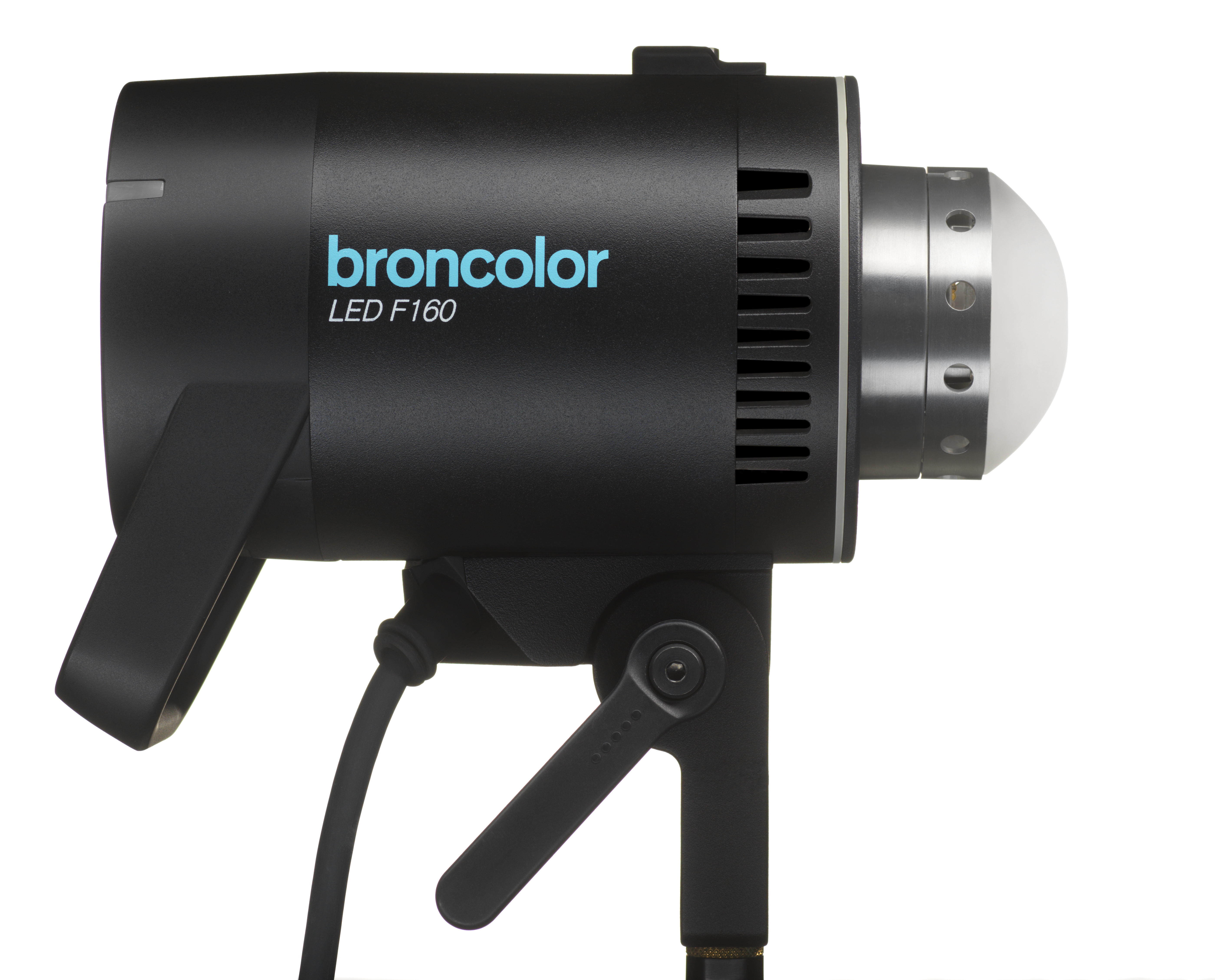
To ensure perfect light quality, the diffusion attachment mounted on the LED F160 must always match the diffusion attachment type selected in the submenu. The original diffusion attachment (silver ring; plastic; 33.172.00) can still be used. However, the optionally available new diffusion attachment (black ring; glass; 33.174.00) brings with it an increase in brightness of typically 15%.


LED F160 lamps ordered from June 22, 2021 are already equipped with the new, black diffusion attachment as standard.
Info
Here, you can read the firmware version currently installed on the device.