Contact Us

If you still have questions or prefer to get help directly from an agent, please submit a request.
We’ll get back to you as soon as possible.

Please fill out the contact form below and we will reply as soon as possible.

  • Contact Us
English (US)
US English (US)
FR French
DE German
  • Home
  • RFS 2.1
  • Operation as transmitter or receiver

Operation as transmitter or receiver

Written by Anja Fricker

Updated at May 27th, 2024

Contact Us

If you still have questions or prefer to get help directly from an agent, please submit a request.
We’ll get back to you as soon as possible.

Please fill out the contact form below and we will reply as soon as possible.

  • Stelos 800 L
    Stelos: Safety Instructions – read before use | Environment Stelos: Firmware update Stelos: User Interface | Controls | Functions | Handling Stelos: Technical Data Stelos: Remote control | Flash triggering Stelos: Power supply | Battery Stelos: Maintenance | Repair | Warranty Stelos: Accessories & Spare Parts Stelos: Error messages
  • Satos
    Satos: Safety Instructions – read before use | Environment Satos: Firmware update Satos Satos: User Interface | Controls | Functions | Handling Satos: Technical Data Satos: Remote control | Flash triggering Satos: Power supply | Battery Satos: Maintenance | Repair | Consumables | Spare parts | Guarantee Satos: Accessories Satos: Charging station for up to 4 slide-in batteries
  • Pulso L
    Pulso L: Safety Instructions – read before use | Environment Pulso L: Firmware update Pulso L: User Interface | Controls | Functions | Handling Pulso L: Technical Data Pulso L: Maintenance | Repair | Consumables | Spare parts | Guarantee Pulso L: Accessories
  • Siros S
    Siros S: Safety Instructions – read before use | Environment Siros S: Firmware update Siros S: User Interface | Controls | Functions | Handling Siros S: Technical Data Siros S: Remote control | Flash triggering Siros S: Power supply Siros S: Maintenance | Repair | Consumables | Spare parts | Guarantee Siros S: Accessories
  • Siros L
    Siros L: Safety Instructions – read before use | Environment Siros L: Firmware update Siros L Siros L: User Interface | Controls | Functions | Handling Siros L: Technical Data Siros L: Remote control | Flash triggering Siros L: Power supply | Battery Siros L: Maintenance | Repair | Consumables | Spare parts | Guarantee Siros L: Accessories
  • Scoro E + S
    Scoro E & S: Safety instructions - read before use | Environment Scoro E & S: User interface | Controls | Functions | Handling Scoro E & S: Technical Data Scoro E & S: Remote control | Flash triggering Scoro E & S: Maintenance | Repair | Consumables | Spare parts | Guarantee
  • Move 1200 L
    Safety Instructions – please read before use | Environment Firmware update Move User Interface | Functions | Handling | Controls Technical Data Remote control | Flash triggering Power supply | Battery Maintenance | Repair | Consumables | Spare parts
  • RFS 2.1
    Safety Instructions - read before use Scope of Delivery and product overview Technical Data Operation as transmitter or receiver RFS 2.1 transceiver as transmitter Trouble shooting Accessories
  • RFS 2.2
    Safety Instructions - read before use Scope of Delivery and product overview RFS 2.2 transceiver as transmitter RFS 2.2 transceiver as receiver Technical Data Firmware Update RFS 2.2
  • RFS 3
    RFS 3: Safety Instructions – read before use | Environment RFS 3: Scope of delivery and operating elements RFS 3: User Interface | Controls | Functions | Handling RFS 3: Firmware Update RFS 3.0 RFS 3: Compatibility RFS 3: Technical Data RFS 3: Maintenance | Repair | Consumables | Spare parts | Guarantee RFS 3: Trouble shooting
  • Pulso G, Unilite and Picolite
  • LED F160
    Safety instructions - read before use | Environment Firmware Update LED F160 User Interface | Controls | Functions | Handling Technical Data Maintenance | Repair | Error Messages| Guarantee Accessories
  • Scope D50
    Videos
  • Compatibility (Lamp <-> light shaper | Lamp <-> power pack)
  • Locate your distributor or dealer
+ More
  • Stelos 800 L

    • Satos

      • Pulso L

        • Siros S

          • Siros L

            • Scoro E + S

              • Move 1200 L

                • RFS 2.1

                  • RFS 2.2

                    • RFS 3

                      • Pulso G, Unilite and Picolite

                        • LED F160

                          • Scope D50

                            • Compatibility (Lamp <-> light shaper | Lamp <-> power pack)

                              • Locate your distributor or dealer

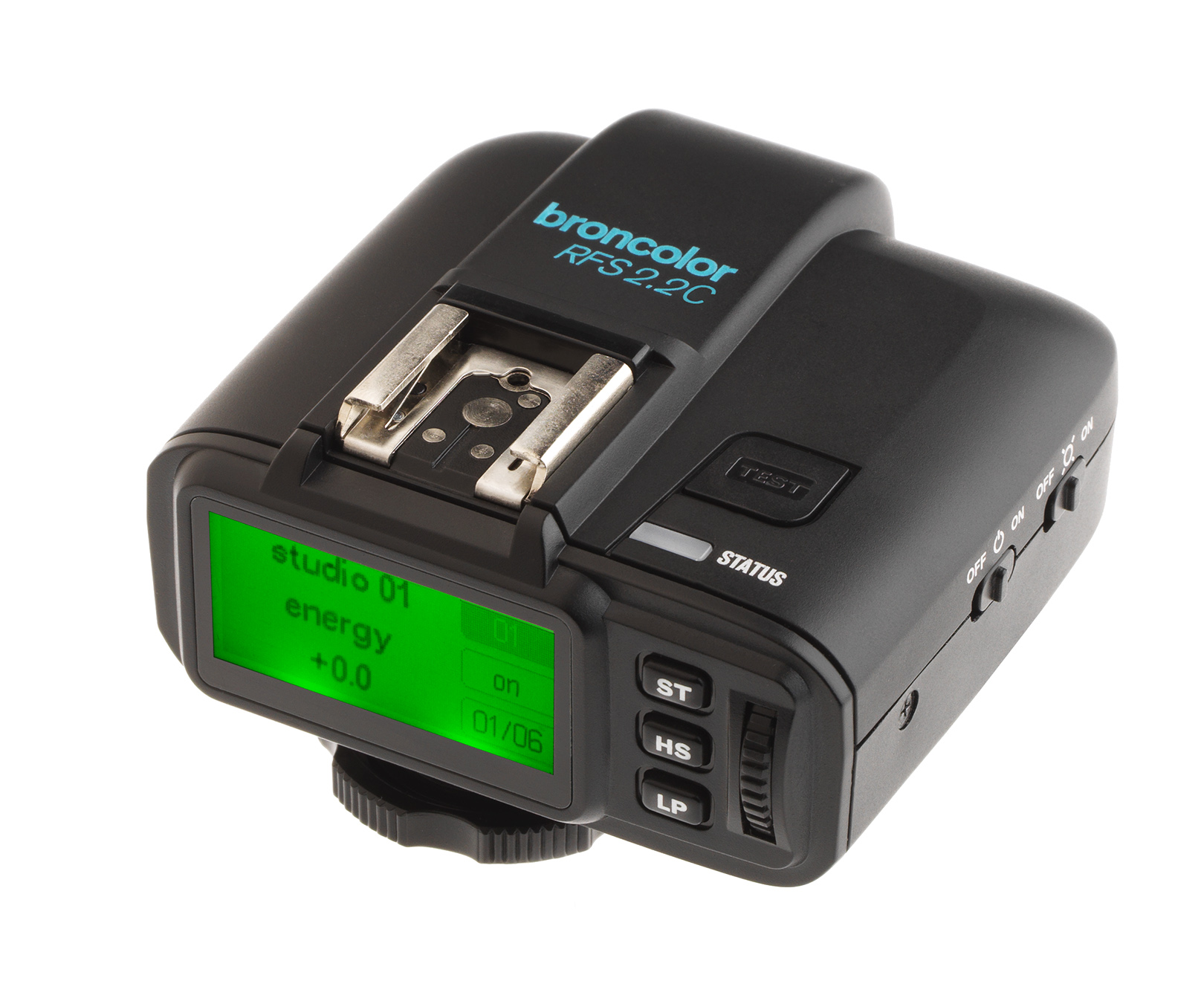
                                The transceiver can be operated in two modes. 

                                The unit is always in trans-mitting mode when used in battery operation. The transceiver functions as transmitter. If the transceiver is supplied with energy through the provided power supply unit via the USB port, the device switches over automatically to receiving mode. The transceiver functions as receiver. It is not necessary to switch modes manually.

                                operation transceiver

                                Was this article helpful?

                                Yes
                                No
                                Give feedback about this article

                                Related Articles

                                • Operation - RFS 2.2 transceiver as transmitter
                                • HS - RFS 2.2 transceiver as transmitter
                                • RFS 2.2 transceiver as receiver

                                Copyright 2026 – broncolor.

                                Knowledge Base Software powered by Helpjuice

                                Expand